OUT OF STOCK

Network Devices

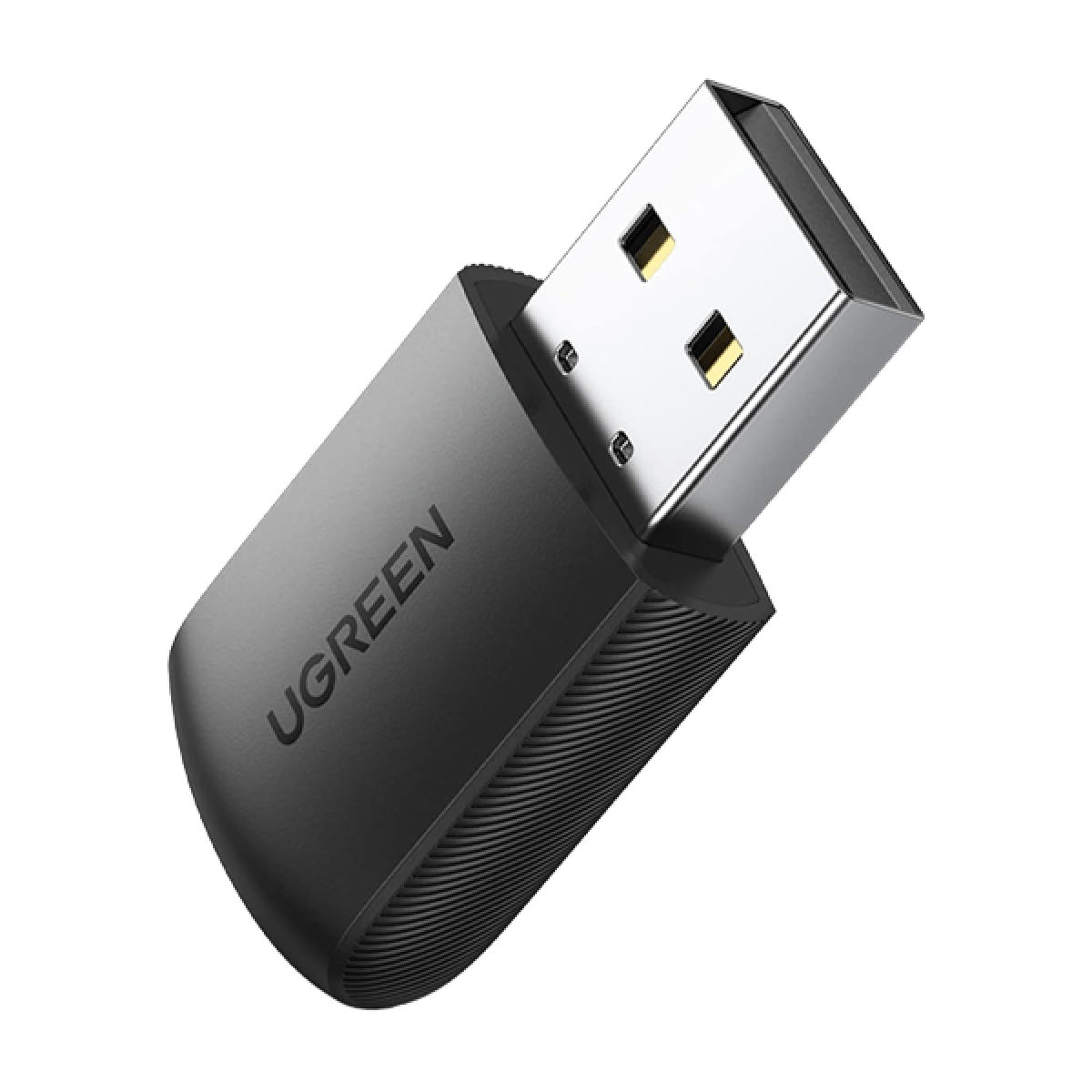
Vention USB Wi-Fi AC650 Dual Band Adapter 2.4G/5G

9.00 JOD

SKU: KDSB0

Network Devices

Vention USB Wi-Fi AC650 Dual Band Adapter 2.4G/5G
9.00 JOD

SKU: KDSB0

9.00 JOD
Quantity
Add to CartBuy NowOrder via WhatsApp

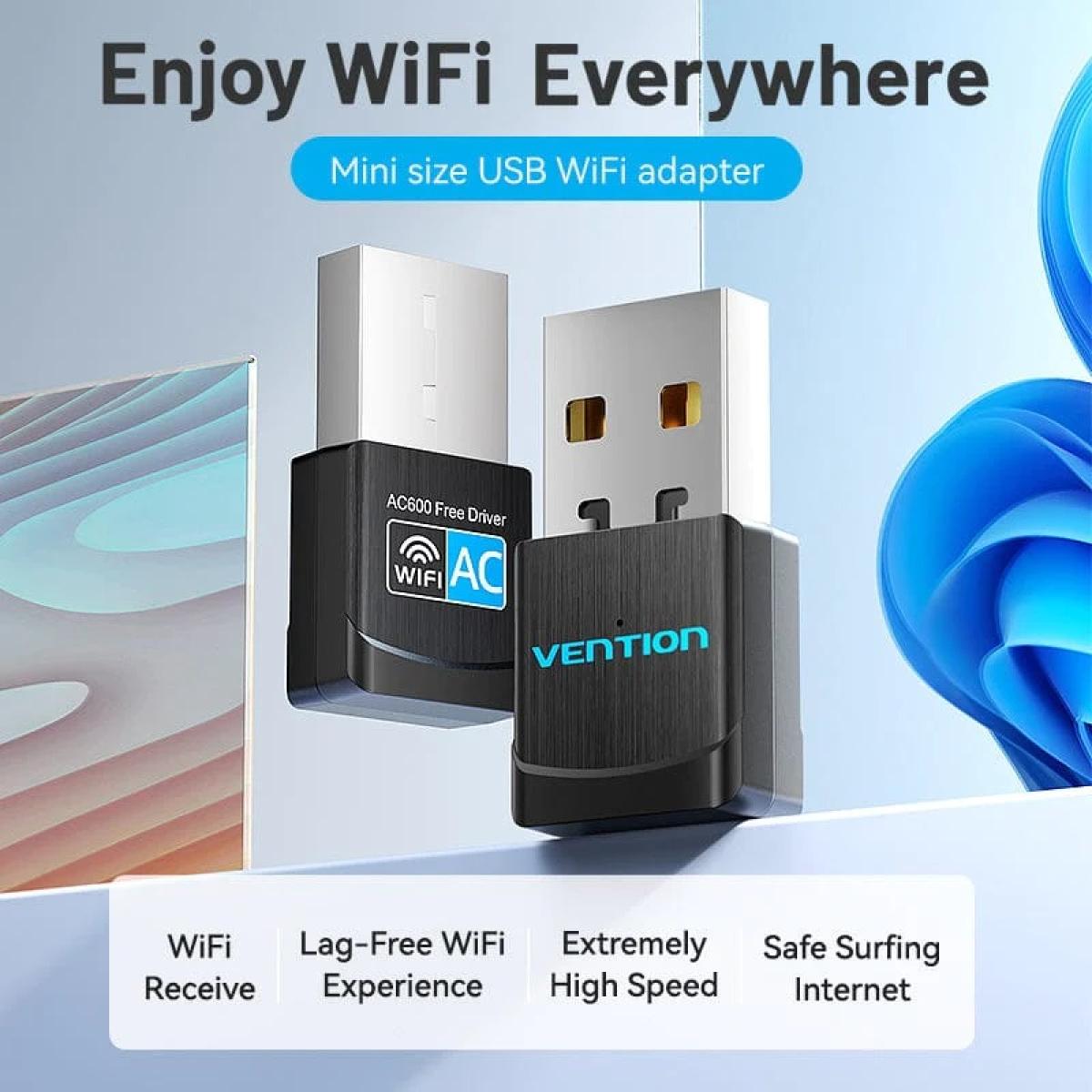
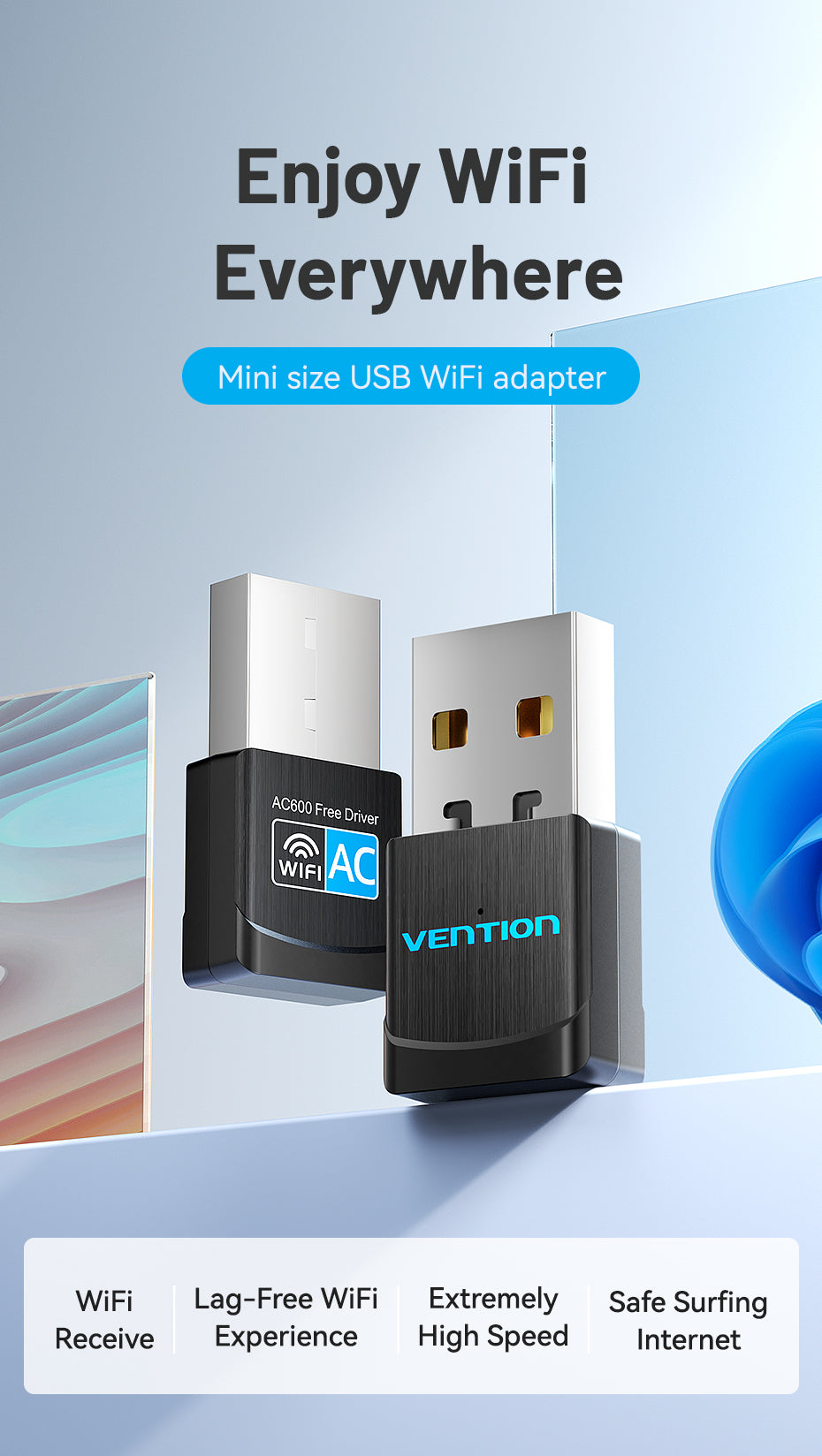
Mini size USB WiFi adapter

Enjoy WiFi Everywhere
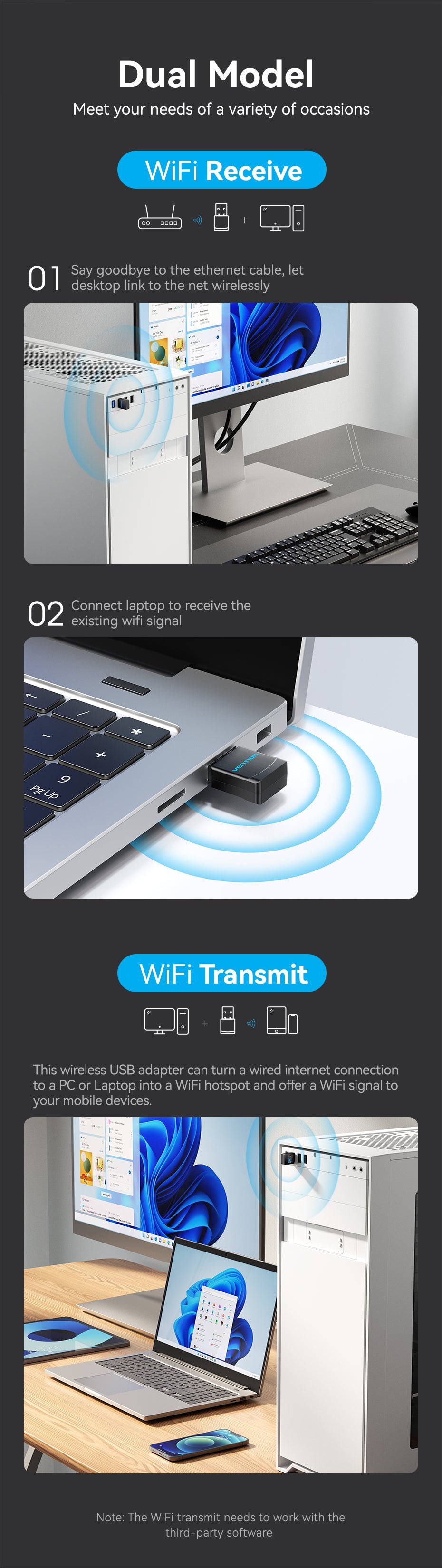
Dual Model

Meet your needs of a variety of occasions

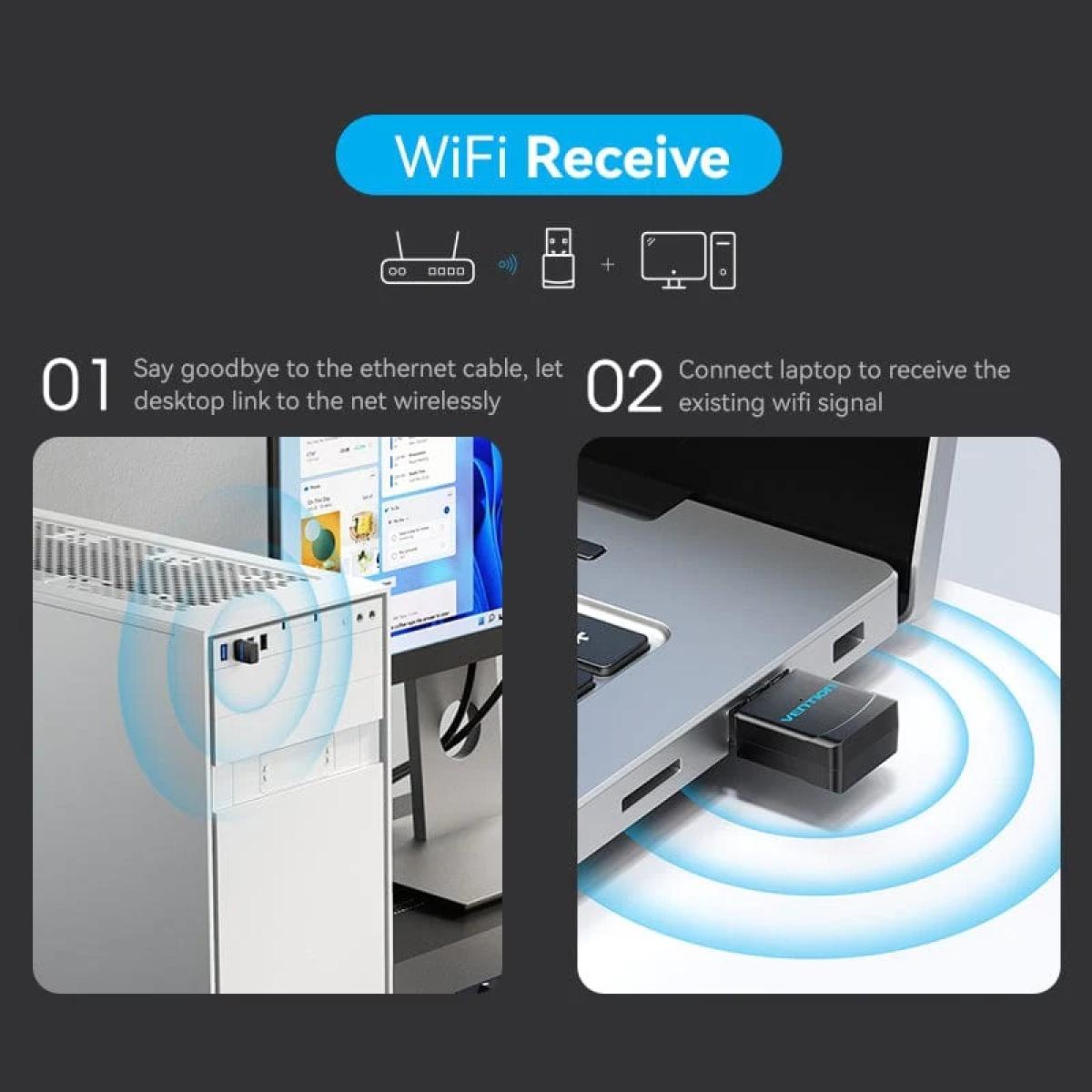
WiFi Receive

01. Say goodbye to the ethernet cable, let desktop link to the net wirelessly. 02. Connect laptop to receive the existing wifi signal.

WiFi Transmit

This wireless USB adapter can turn a wired internet connection to a PC or Laptop into a WiFi hotspot and offer a WiFi signal to your mobile devices.
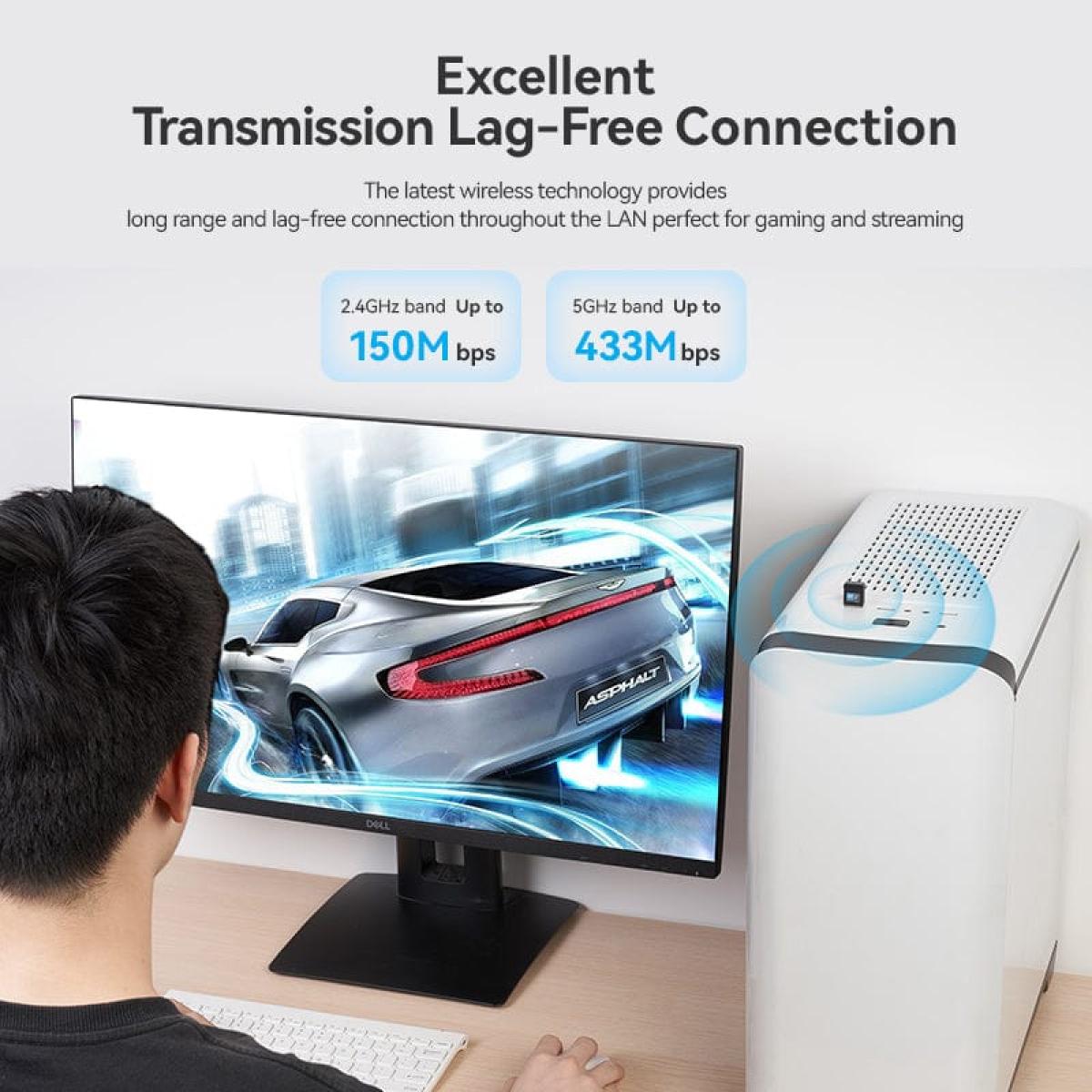
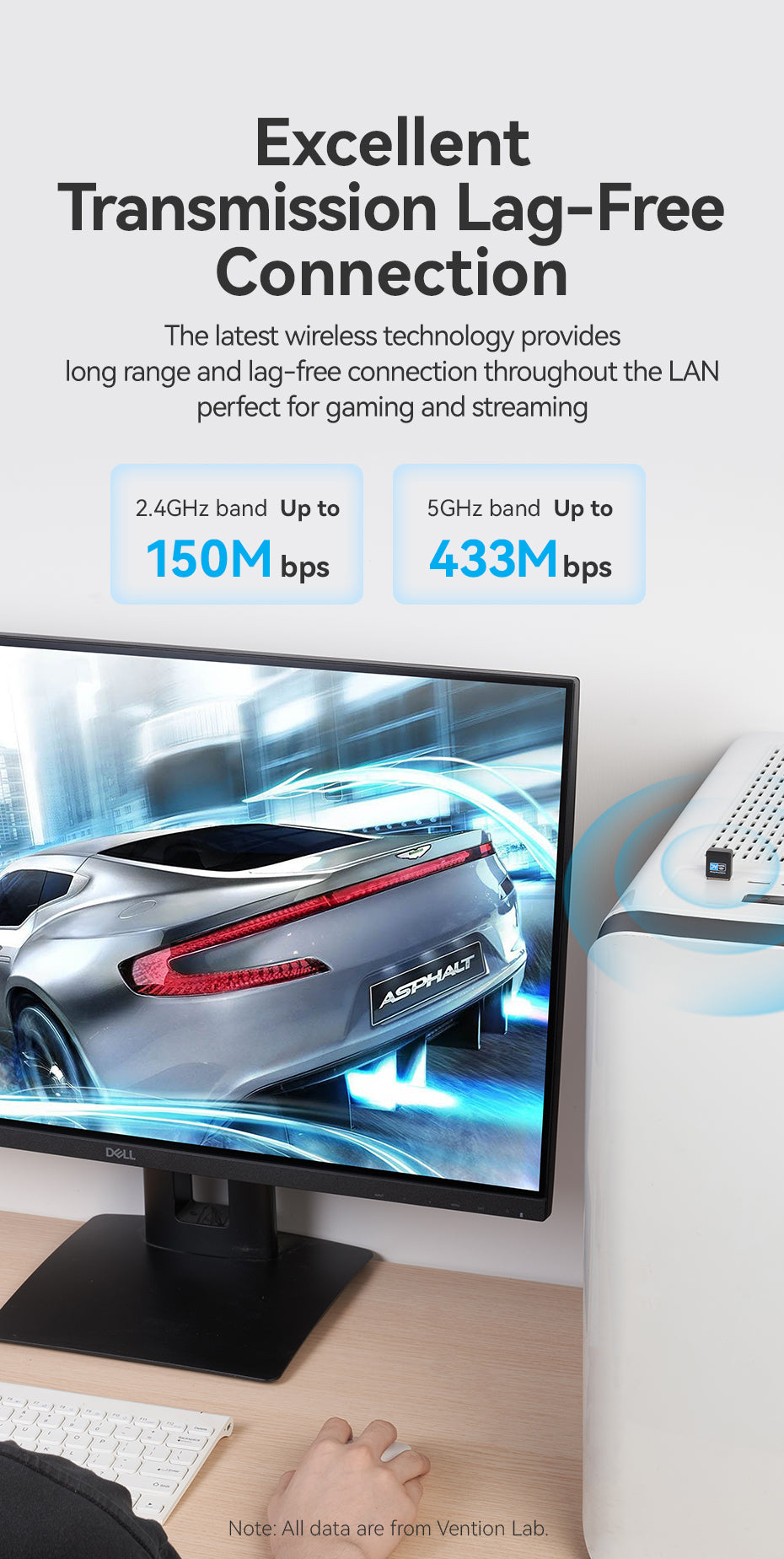
Excellent Transmission Lag-Free Connection

The latest wireless technology provides long range and lag-free connection throughout the LAN perfect for gaming and streaming.
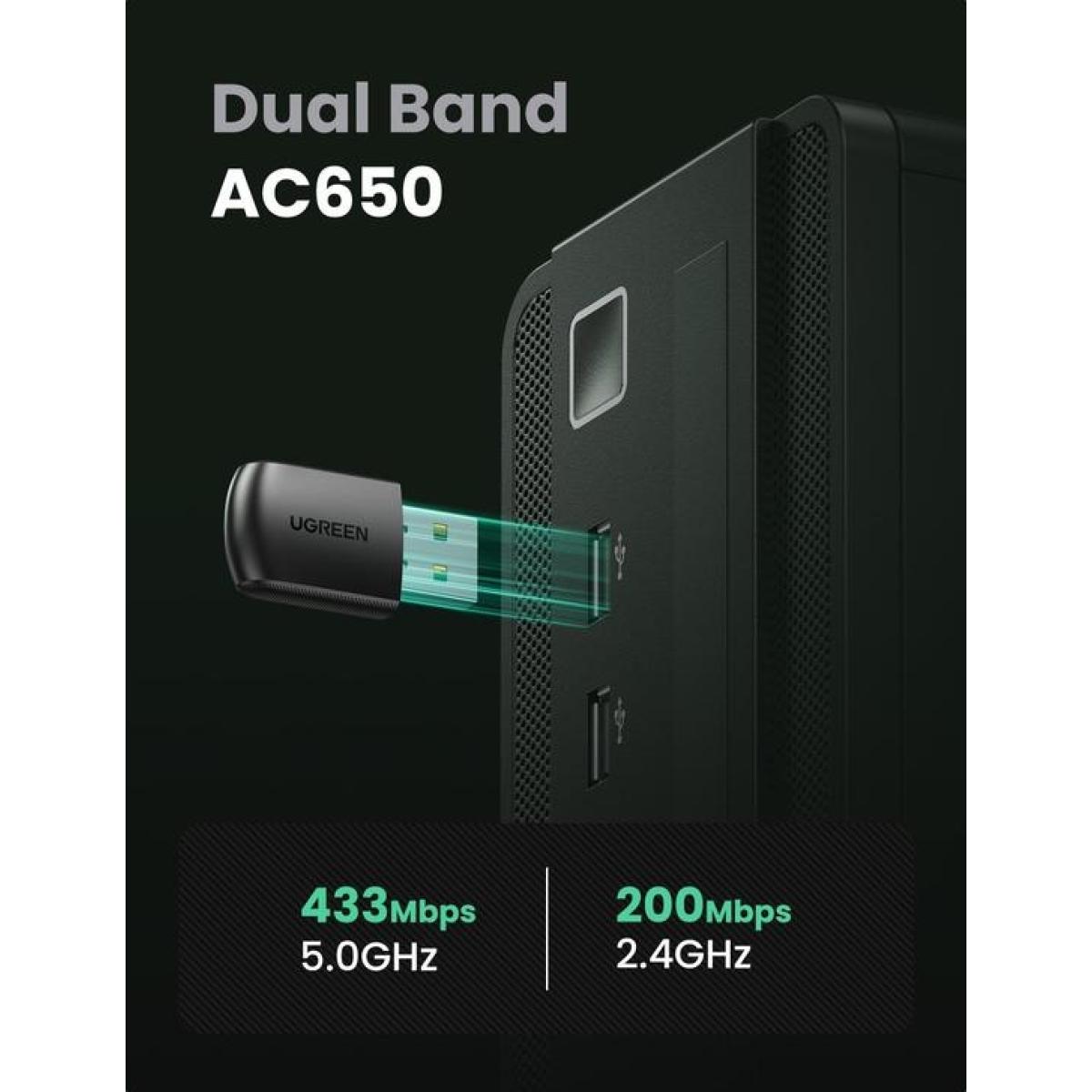
Dual Band Perfectly Meet Your Needs

2.4GHz, Low frequency signals are more stable, long transmissiondistance, low signal decay. 5GHz, Smoother internet speed, large brandwidth, few existingusers, less interference and low latency.

High Performance Chip

Advanced data processing and wireless performance to ensure more stable and efficient data transmission.

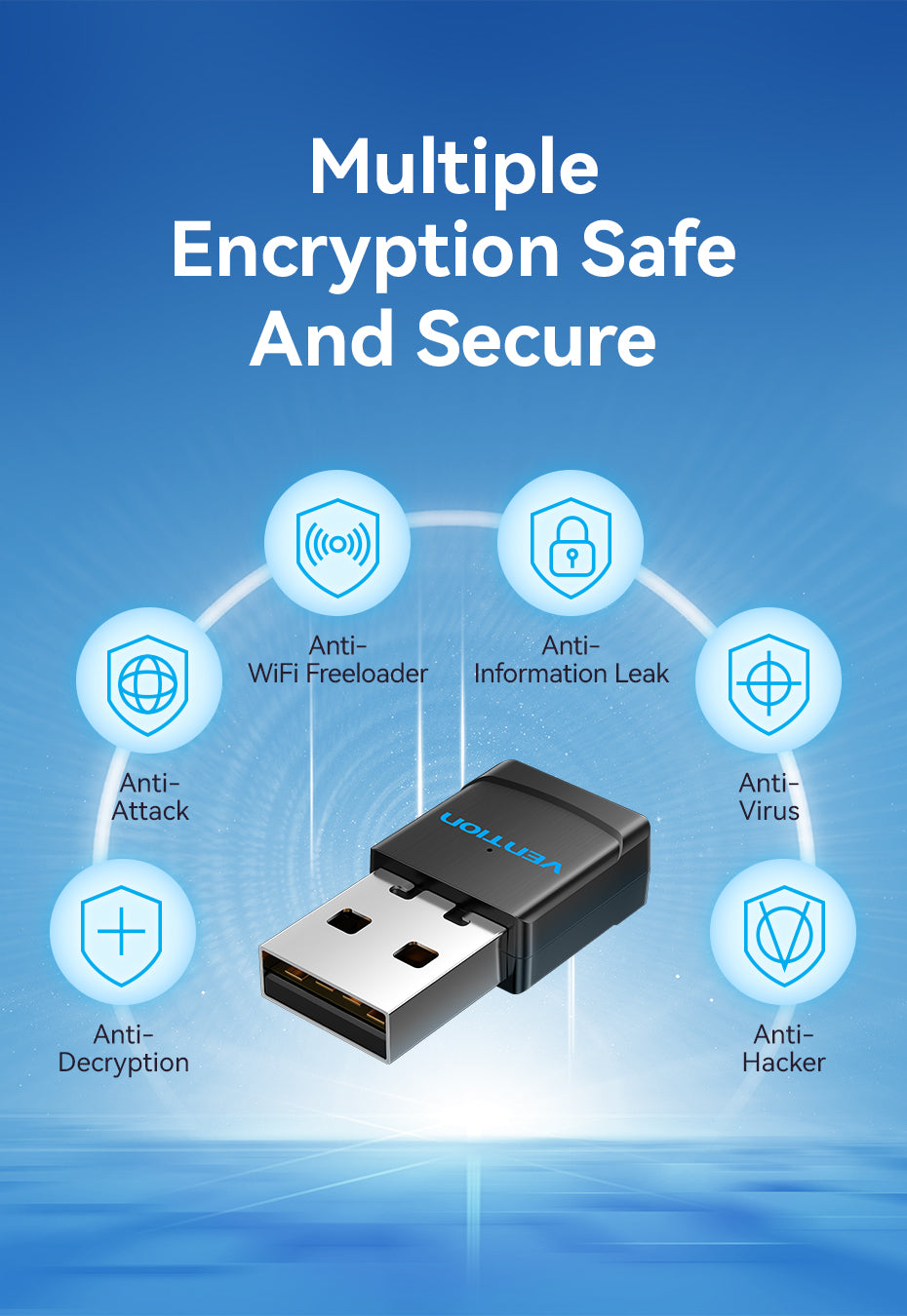
Multiple Encryption Safe And Secure
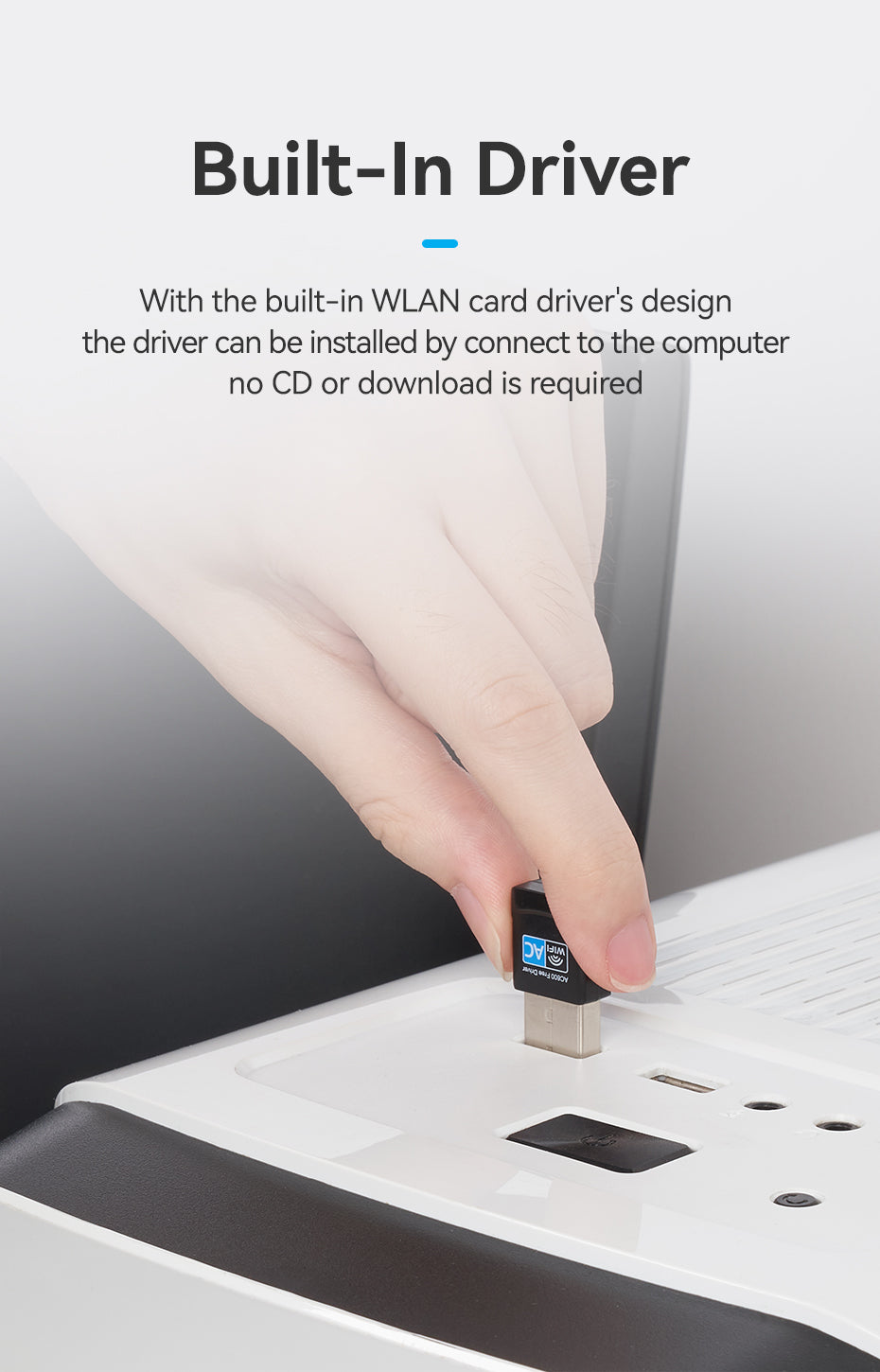
Built-In Driver

With the built-in WLAN card drivers design the driver can be installed by connect to the computer no CD or download is required.
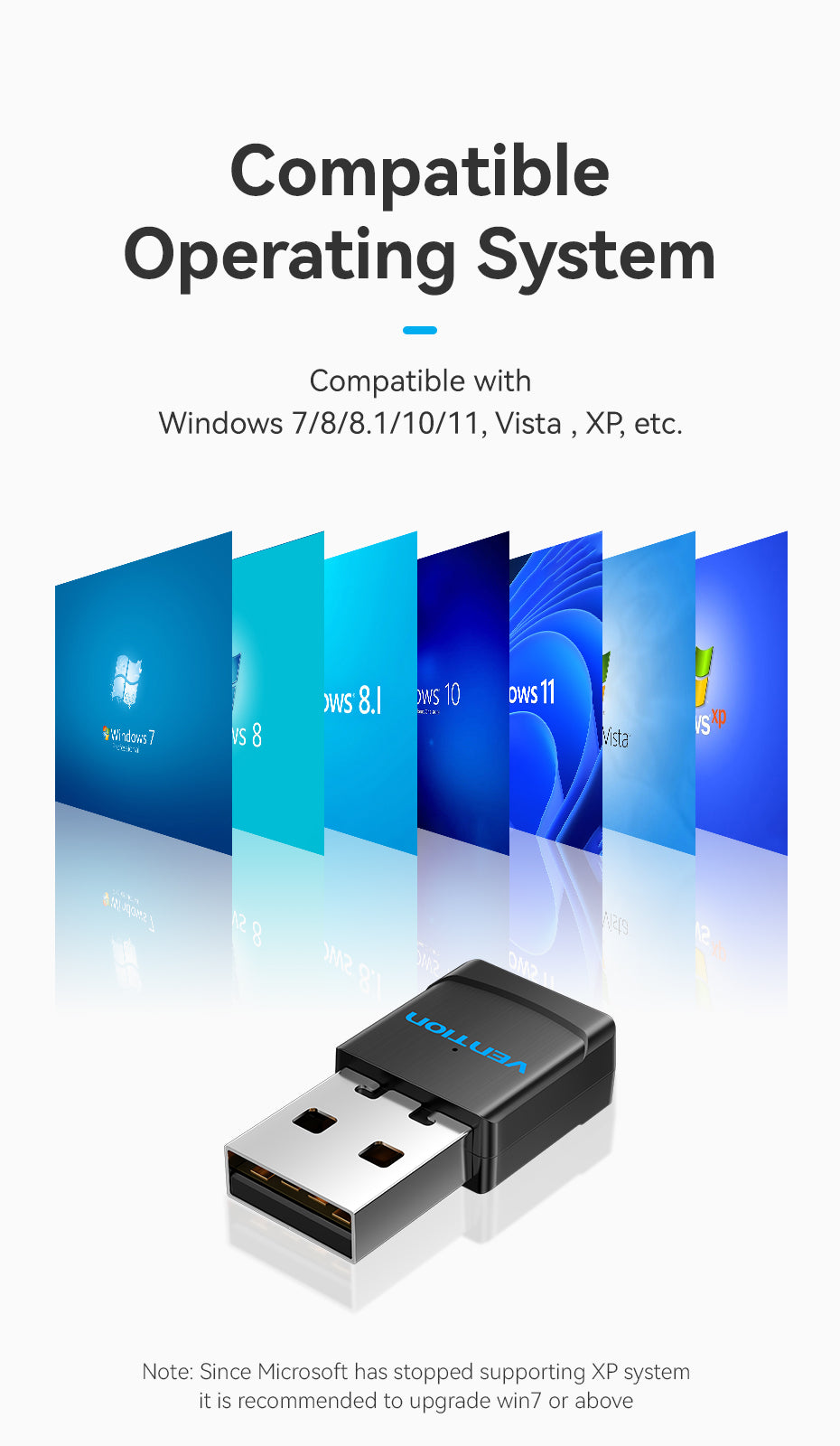
Compatible Operating System

Compatible with Windows 7/8/8.1/10/11, Vista, XP, etc.
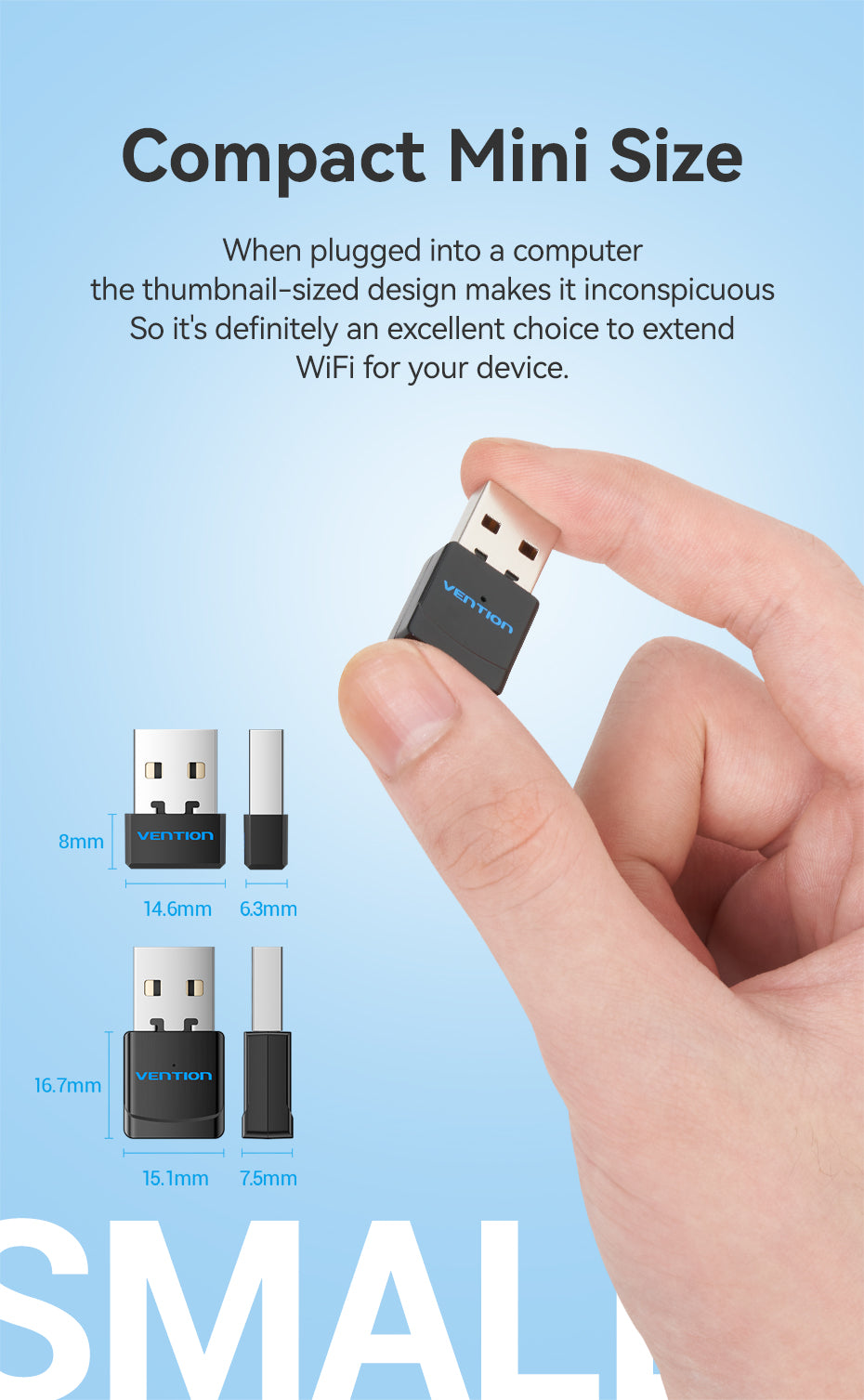
Compact Mini Size

When plugged into a computer the thumbnail-sized design makes it inconspicuous So it's definitely an excellent choice to extena WiFi for your device.
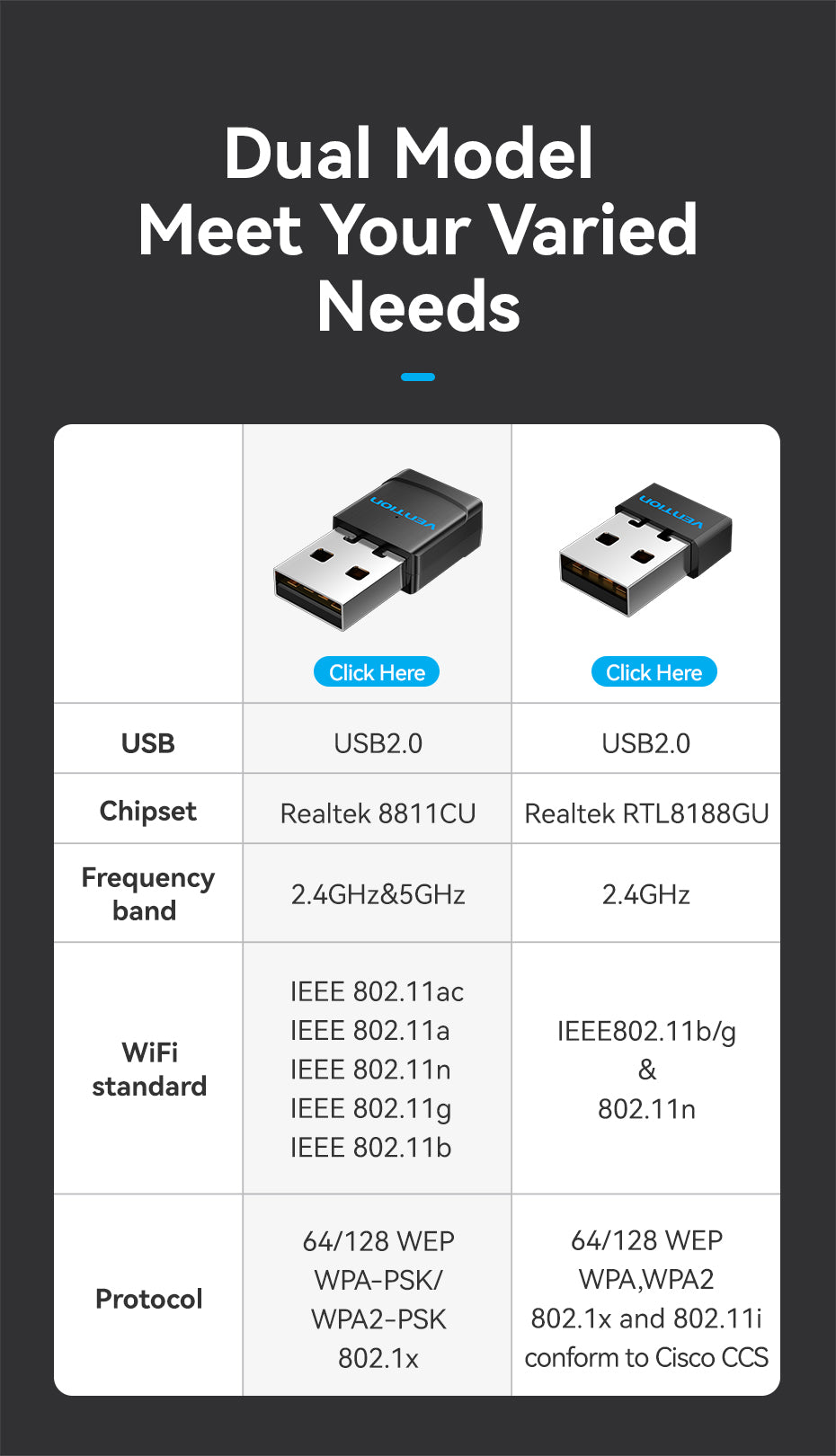
Dual Model Meet Your Varied Needs
Product Parameters

Brand: Vention Name: Wireless USB WiFi Adapter Model: KDSB0 Color: Black Interface: USB-A 2.0 Interface Technics: Nickel-plated Shell: ABS Antenna: Built-In Antenna Frequency Band: 2.4GHz+5GHz/2.4GHz Packing: PE Bag/Color Bag

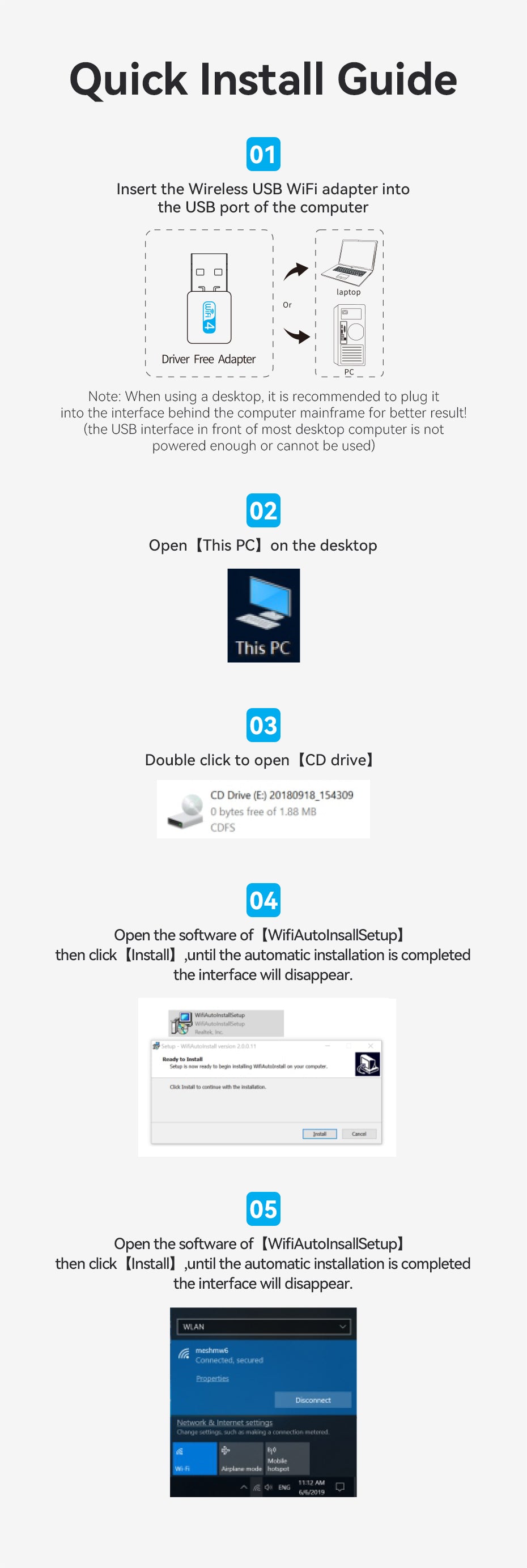
Quick Install Guide

1. Insert the Wireless USB WiFi adapter intothe USB port of the computer Note: When using a desktop, it is recommended to plug it into the interface behind the computer mainframe for better result! (the USB interface in front of most desktop computer is notpowered enough or cannot be used) 2. Open [This PC] on the desktop 3. Double click to open [CD drive] 4. Open the software of [WifiAutolnsallSetup] then click [Install], until the automatic installation is completedthe interface will disappear.

Mini size USB WiFi adapter

Enjoy WiFi Everywhere

Dual Model

Meet your needs of a variety of occasions

WiFi Receive

01. Say goodbye to the ethernet cable, let desktop link to the net wirelessly. 02. Connect laptop to receive the existing wifi signal.

WiFi Transmit

This wireless USB adapter can turn a wired internet connection to a PC or Laptop into a WiFi hotspot and offer a WiFi signal to your mobile devices.

Excellent Transmission Lag-Free Connection

The latest wireless technology provides long range and lag-free connection throughout the LAN perfect for gaming and streaming.

Dual Band Perfectly Meet Your Needs

2.4GHz, Low frequency signals are more stable, long transmissiondistance, low signal decay. 5GHz, Smoother internet speed, large brandwidth, few existingusers, less interference and low latency.

High Performance Chip

Advanced data processing and wireless performance to ensure more stable and efficient data transmission.

Multiple Encryption Safe And Secure

Built-In Driver

With the built-in WLAN card drivers design the driver can be installed by connect to the computer no CD or download is required.

Compatible Operating System

Compatible with Windows 7/8/8.1/10/11, Vista, XP, etc.

Compact Mini Size

When plugged into a computer the thumbnail-sized design makes it inconspicuous So it's definitely an excellent choice to extena WiFi for your device.

Dual Model Meet Your Varied Needs

Product Parameters

Brand: Vention Name: Wireless USB WiFi Adapter Model: KDSB0 Color: Black Interface: USB-A 2.0 Interface Technics: Nickel-plated Shell: ABS Antenna: Built-In Antenna Frequency Band: 2.4GHz+5GHz/2.4GHz Packing: PE Bag/Color Bag

Quick Install Guide

1. Insert the Wireless USB WiFi adapter intothe USB port of the computer Note: When using a desktop, it is recommended to plug it into the interface behind the computer mainframe for better result! (the USB interface in front of most desktop computer is notpowered enough or cannot be used) 2. Open [This PC] on the desktop 3. Double click to open [CD drive] 4. Open the software of [WifiAutolnsallSetup] then click [Install], until the automatic installation is completedthe interface will disappear.
HPDellMSIAsusLenovoMicrosoftAnkerLogitechSteelSeriesRazerCorsairKingstonSamsungAOCVentionAcerAsusDellHPLenovoMSIRazerSteelSeriesLogitech
Compare
Products
Your compare is curently empty
Compare Products
Chat with us on WhatsApp