IN STOCK
71e1KltHYGL._SL1500_.png
71c3Bc7TSFL._SL1500_.png
71DJMiBi4KL._SL1500_.png
71K+MdTWmYL._SL1500_.png
71nNy9PMggL._SL1500_.png
71wubJgHNjL._SL1500_.png
81JKPWXhBsL._SL1500_.png
81uKlgAP7yL._SL1500_.png
711q9zGtOoL._SL1500_.png

Adapters & Cables

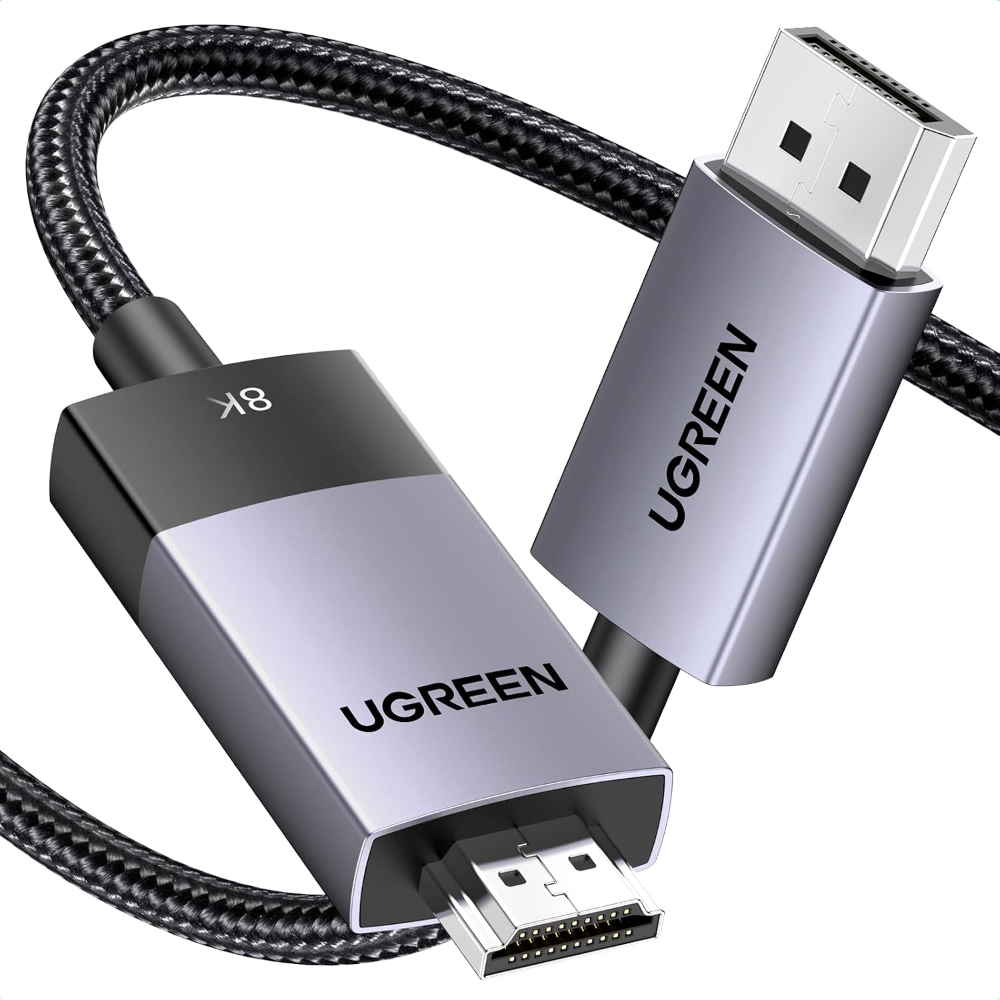
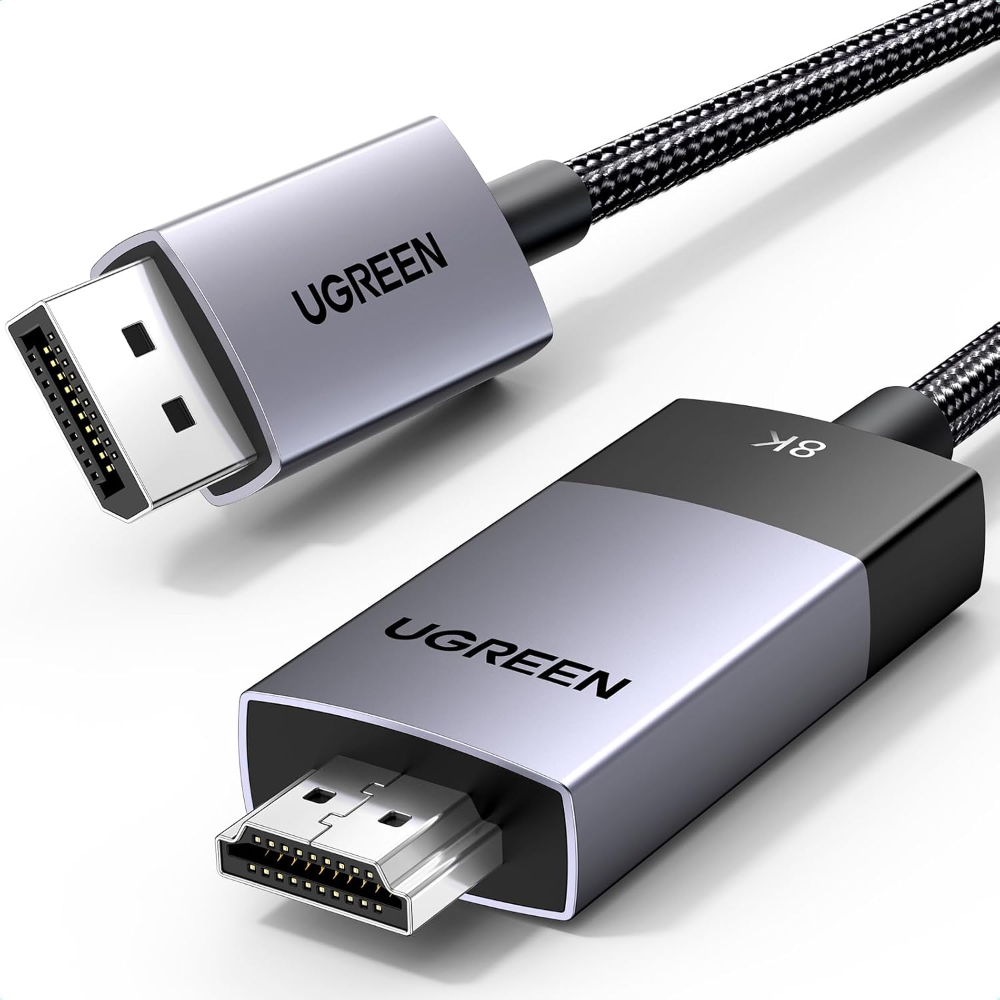
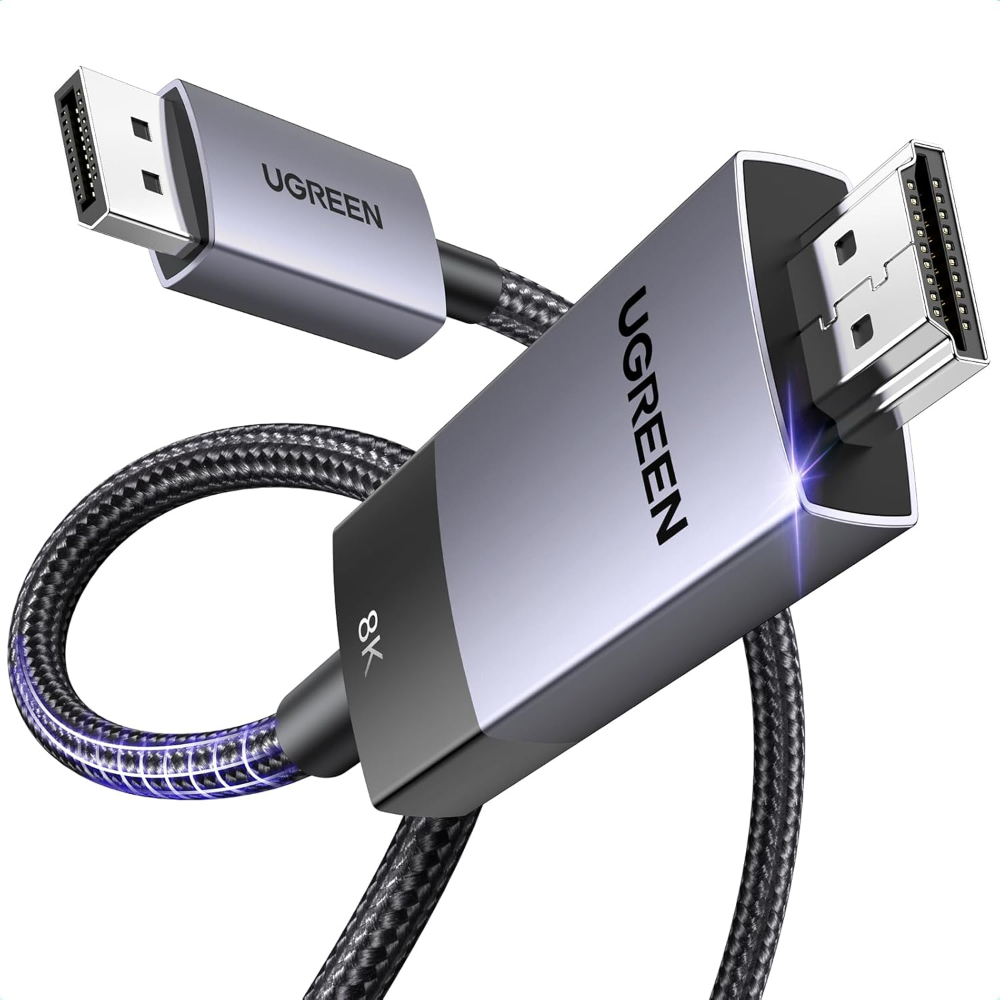
UGREEN 8K@60Hz Unidirectional Active DisplayPort to HDMI Cable, 2M 4K@240Hz DP 1.4 to HDMI 2.1 Cord Support 32.4Gbps HDR Dolby HDCP2.3, Compatible with Monitor AMD NVIDIA HP HDTV, No VRR CEC

new
19.00 JOD

SKU: 80397

  • Type: DisplayPort 1.4 to HDMI 2.1 Cable — Unidirectional
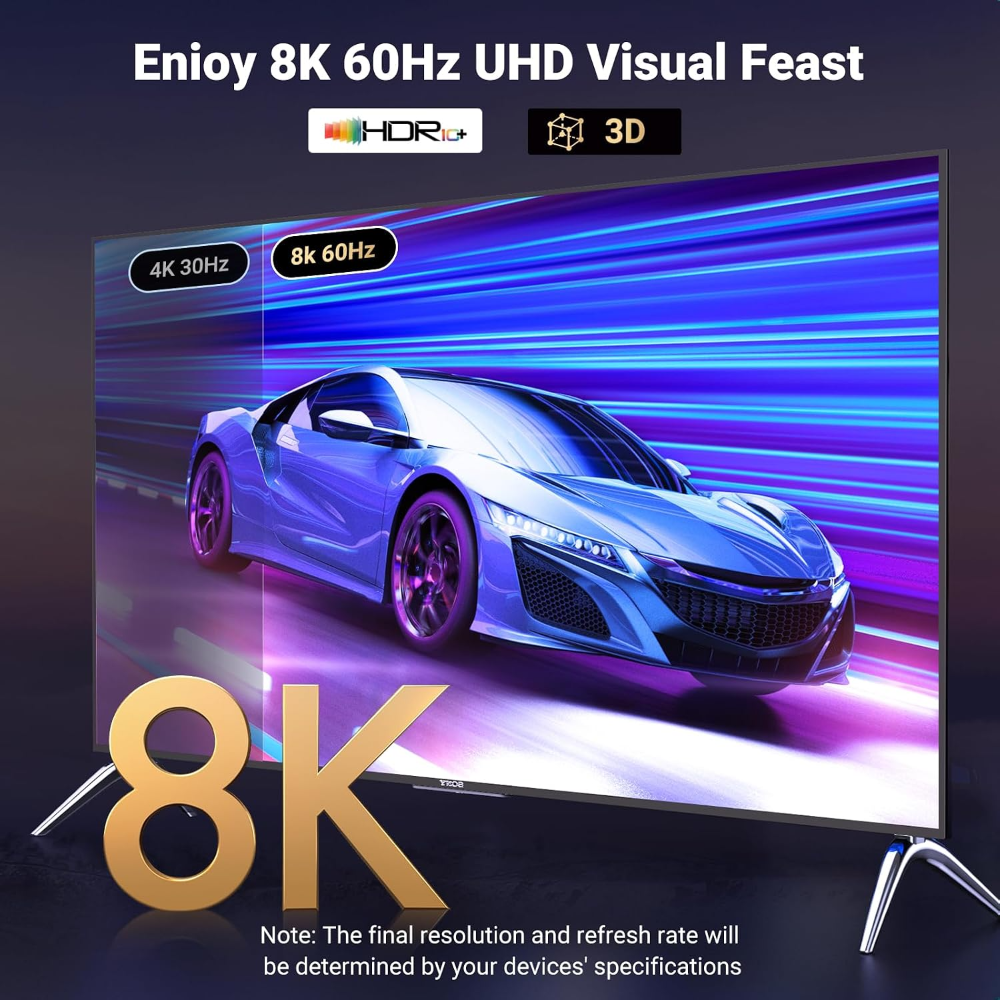
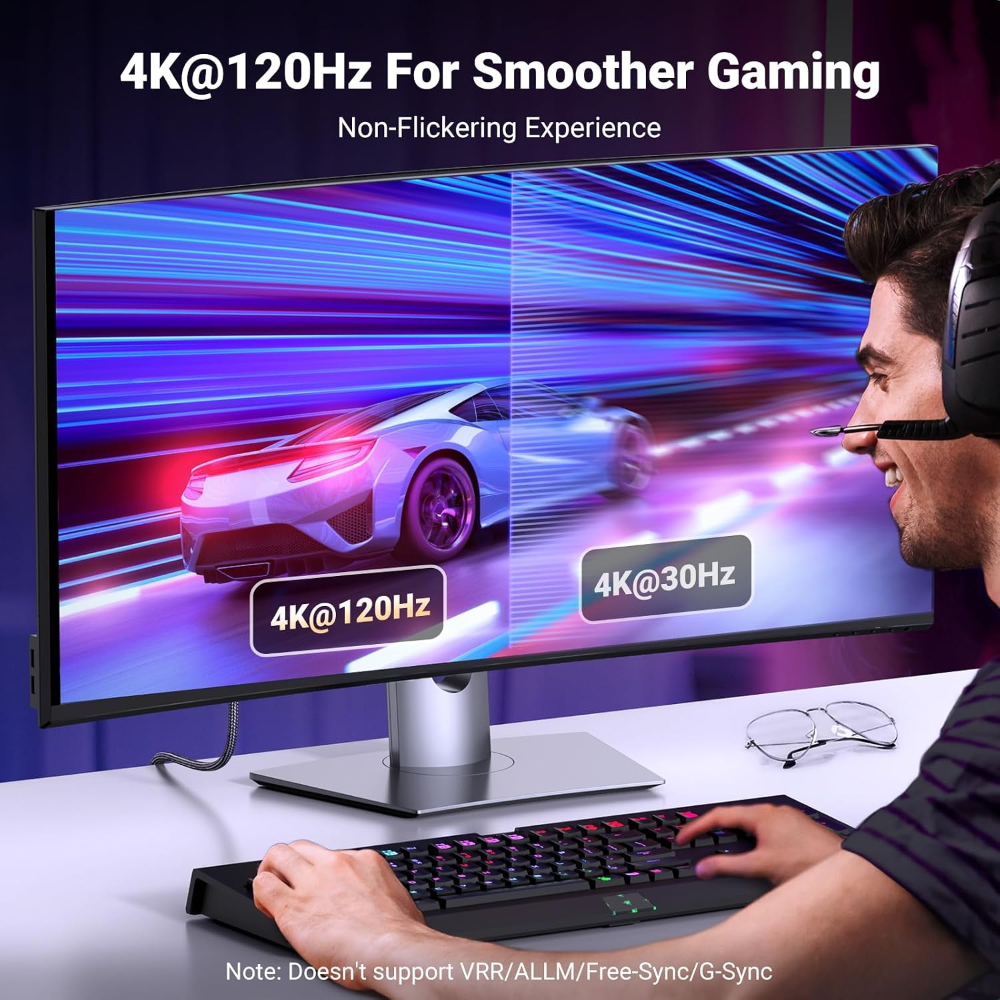
  • Resolution: Up to 8K@60Hz / 4K@120Hz
  • Bandwidth: Up to 32.4Gbps
  • Features: Dynamic HDR, HDCP 2.3, DSC 1.2a, Dolby 7.1
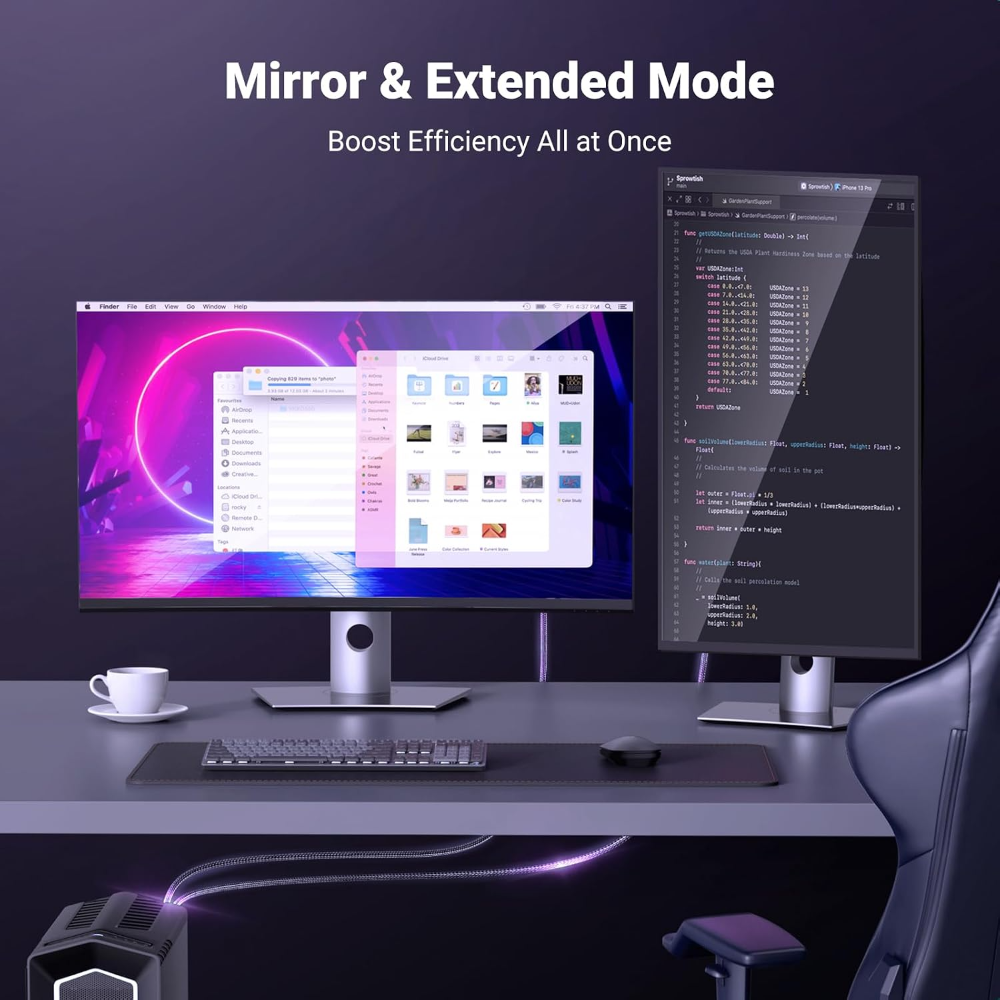
  • Multi-Screen: Supports AMD Eyefinity, Mirror & Extend modes
  • Plug & Play: No drivers or software required
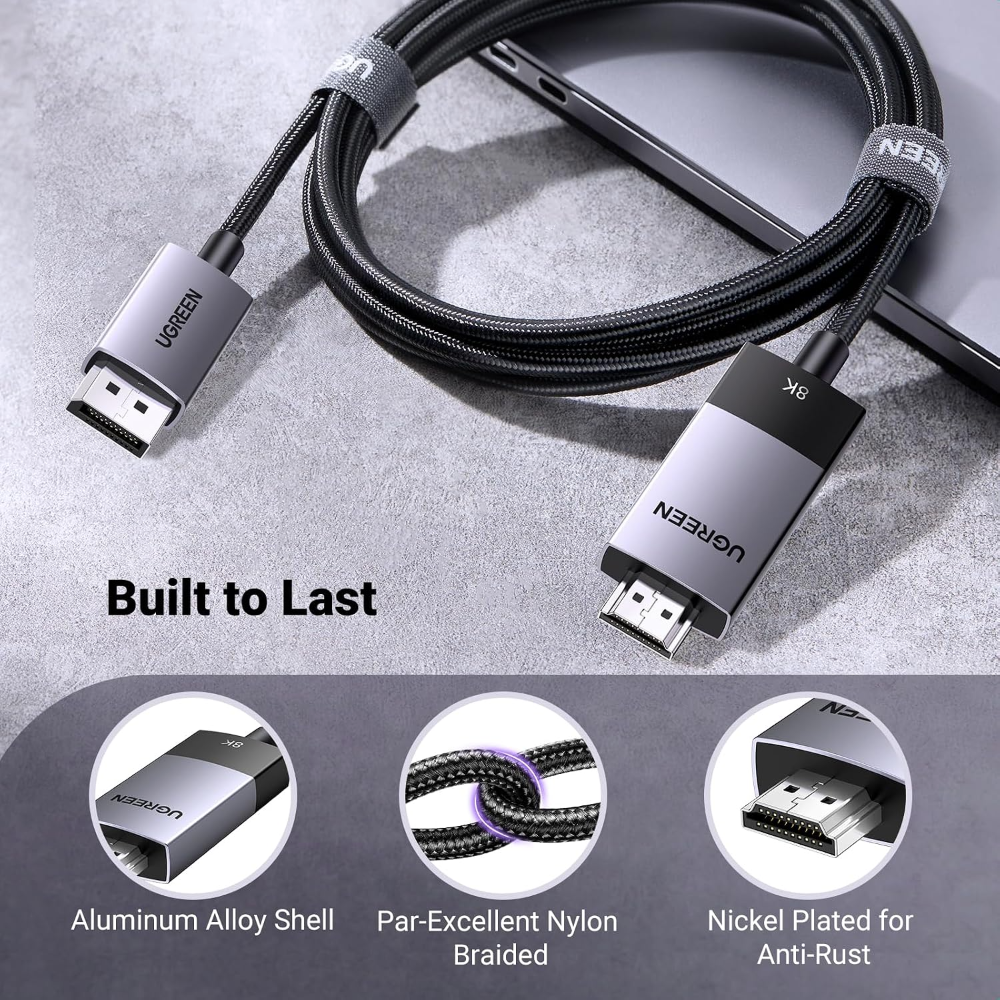
  • Build: 28AWG tinned copper, triple shielding, aluminum housing, nylon braided cable
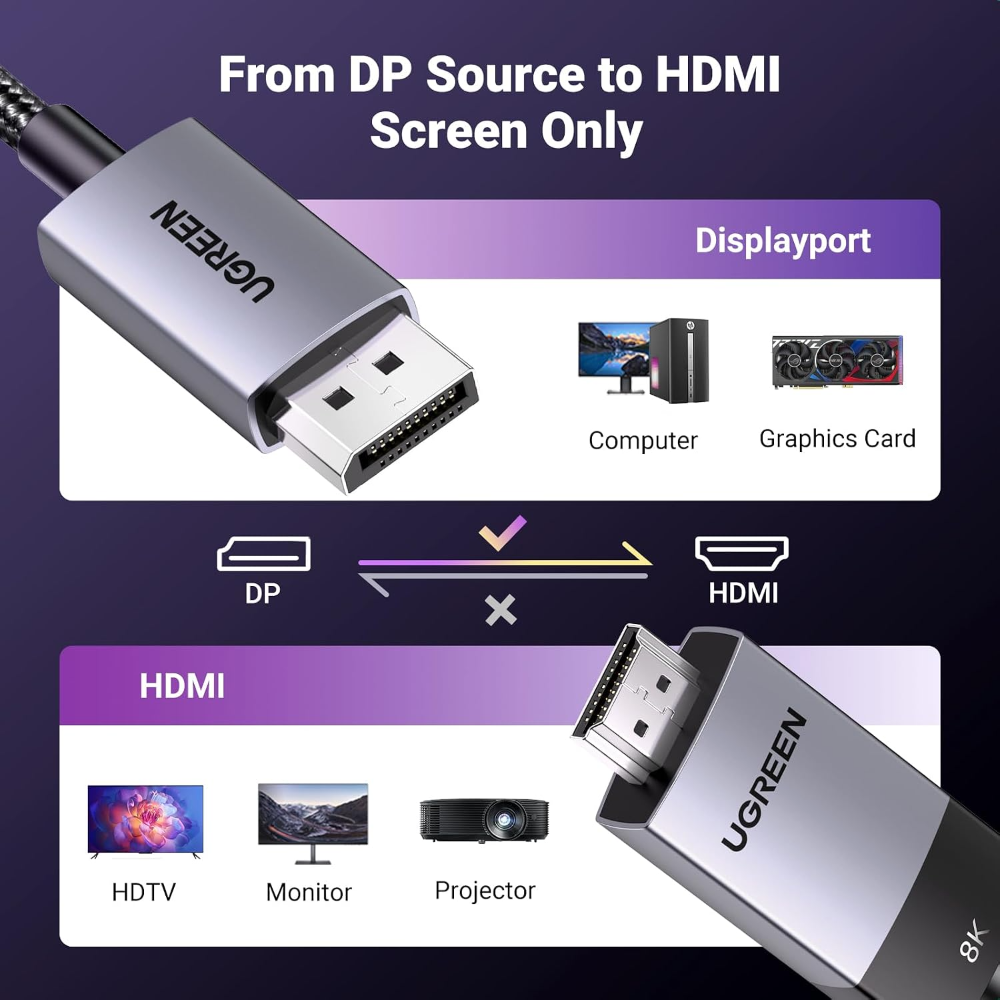
  • Compatibility: PCs, laptops & graphics cards with DisplayPort → HDMI monitors, TVs & projectors
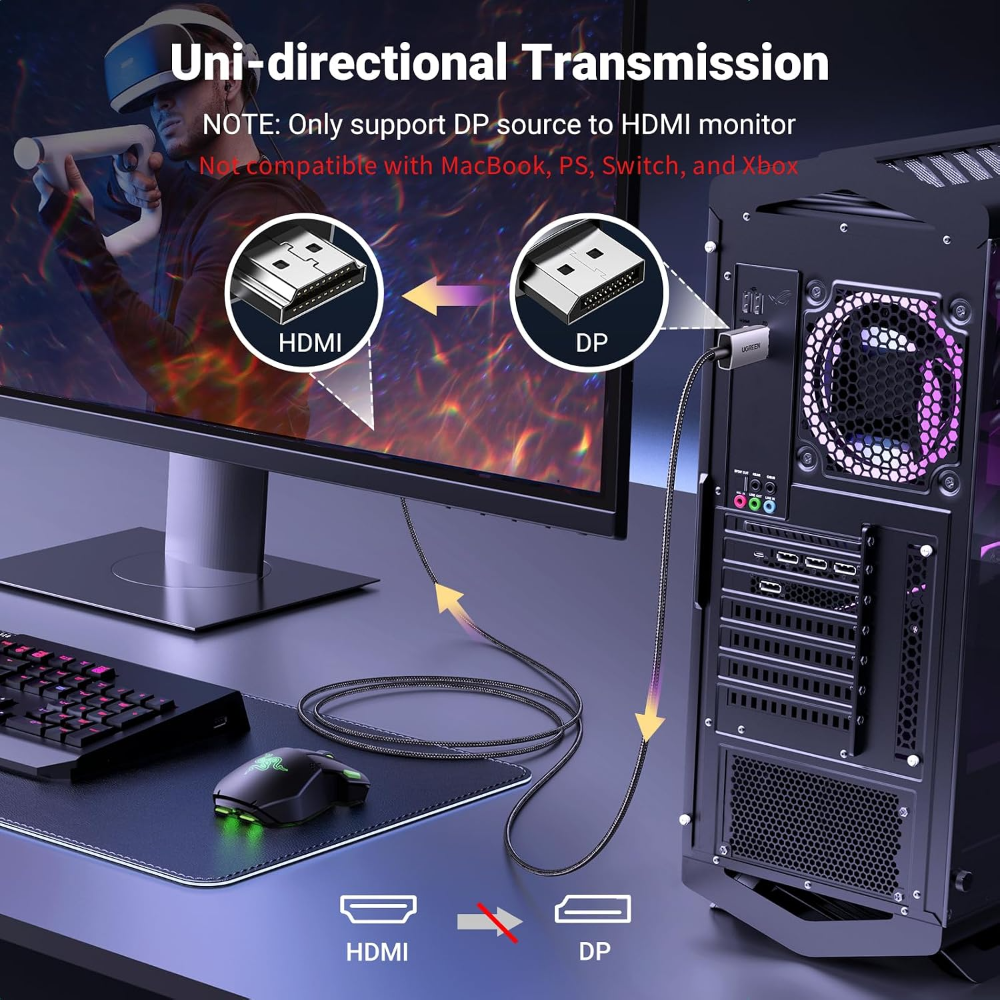
  • Note: DP → HDMI only; does not support VRR, ALLM, or CEC.

Adapters & Cables

UGREEN 8K@60Hz Unidirectional Active DisplayPort to HDMI Cable, 2M 4K@240Hz DP 1.4 to HDMI 2.1 Cord Support 32.4Gbps HDR Dolby HDCP2.3, Compatible with Monitor AMD NVIDIA HP HDTV, No VRR CEC

new
19.00 JOD

SKU: 80397

  • Type: DisplayPort 1.4 to HDMI 2.1 Cable — Unidirectional
  • Resolution: Up to 8K@60Hz / 4K@120Hz
  • Bandwidth: Up to 32.4Gbps
  • Features: Dynamic HDR, HDCP 2.3, DSC 1.2a, Dolby 7.1
  • Multi-Screen: Supports AMD Eyefinity, Mirror & Extend modes
  • Plug & Play: No drivers or software required
  • Build: 28AWG tinned copper, triple shielding, aluminum housing, nylon braided cable
  • Compatibility: PCs, laptops & graphics cards with DisplayPort → HDMI monitors, TVs & projectors
  • Note: DP → HDMI only; does not support VRR, ALLM, or CEC.
19.00 JOD
Quantity
Add to CartBuy Now
 displayport to hdmidisplayport to hdmi

We recommend connecting the DP source directly to the HDMI display to avoid display errors, rather than connecting it through a docking station or HDMI splitter and switch, as the latter has hardware limitations.
 displayport to hdmidisplayport to hdmi

We recommend connecting the DP source directly to the HDMI display to avoid display errors, rather than connecting it through a docking station or HDMI splitter and switch, as the latter has hardware limitations.
HPDellMSIAsusLenovoMicrosoftAnkerLogitechSteelSeriesRazerCorsairKingstonSamsungAOCVentionAcerAsusDellHPLenovoMSIRazerSteelSeriesLogitech
Compare
Products
Your compare is curently empty
Compare Products
Chat with us on WhatsApp