IN STOCK

Business Monitor

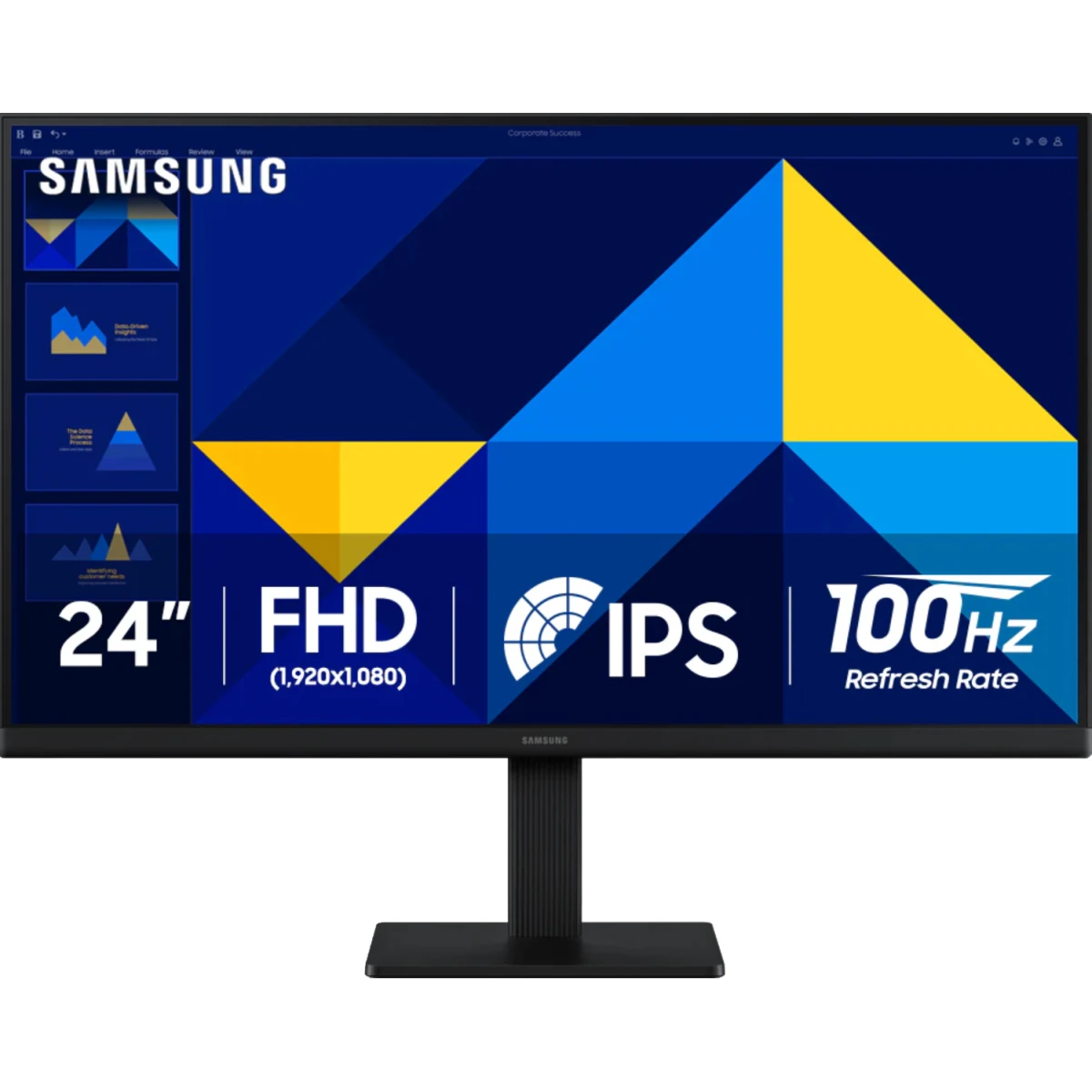
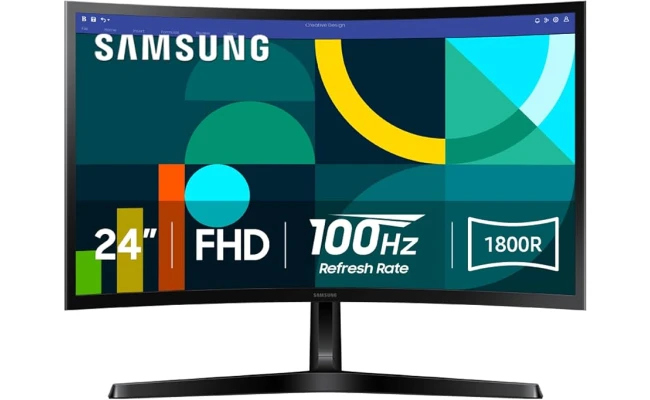
SAMSUNG 24" Essential S3 (D362) Full HD 1800R Curved 100Hz, Game Mode, Advanced Eye Comfort, HDMI & D-sub Ports , Black

89.00 JOD

SKU: LS24D362GAMXUE

  • CURVED FOR ENHANCED ENGAGEMENT: An immersive viewing experience with a curved monitor that wraps more closely around your field of vision; It creates a wider view, enhancing depth perception and minimizing peripheral distraction
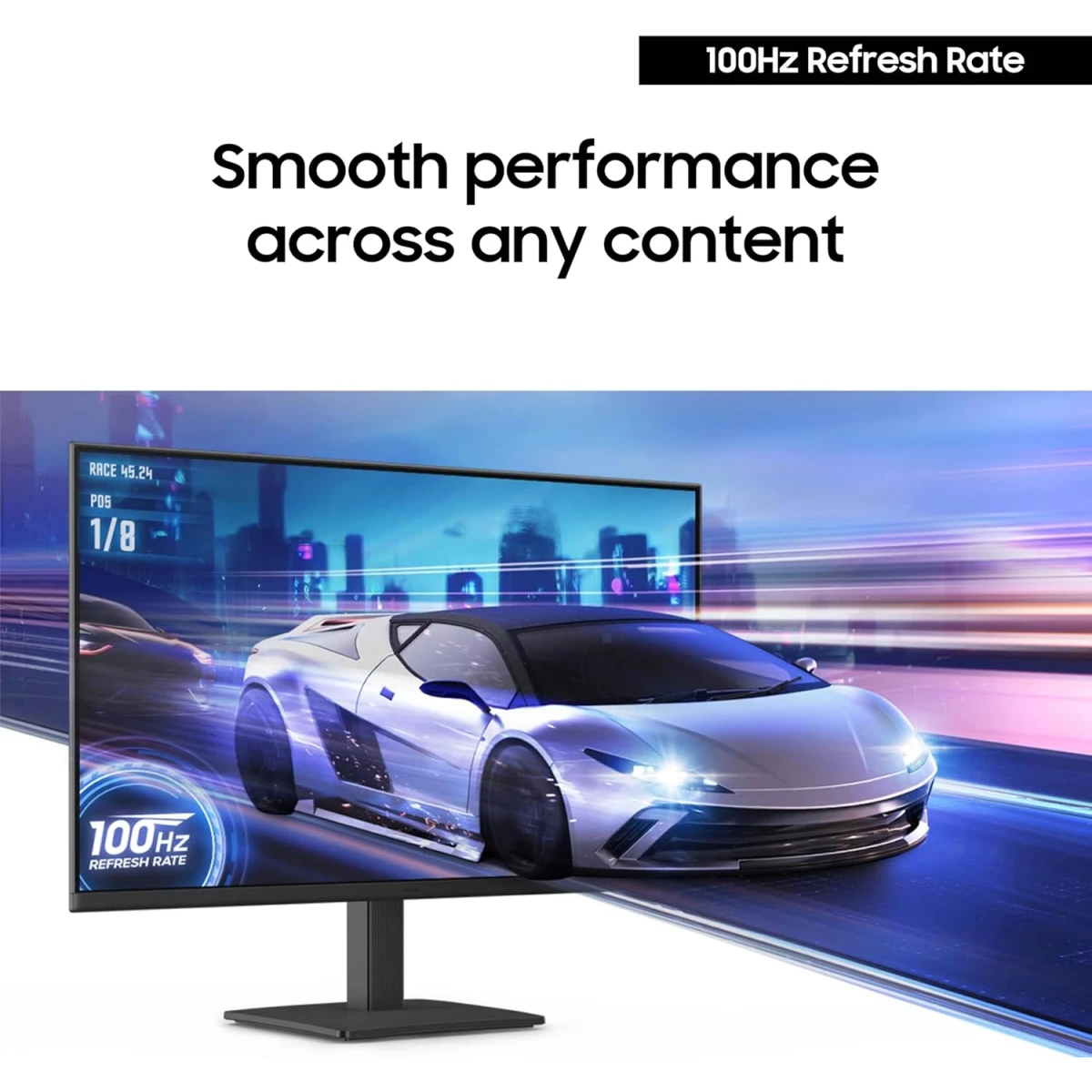
  • SMOOTH PERFORMANCE FOR SEAMLESS CONTENT: Stay in the action when playing games, watching videos, or working on creative projects; The 100Hz refresh rate reduces lag and motion blur so you don't miss a thing in fast-paced moments¹
  • MORE GAMING POWER: Gain the edge with optimizable game settings; Color and image contrast can be adjusted to see scenes more vividly and spot enemies hiding in the dark; Game Mode adjusts any game to fill the screen so you can view every detail²
  • KEEP IT EASY ON THE EYES: Care for your eyes and stay comfortable, even during long sessions; Advanced eye comfort technology certified by TÜV reduces eye strain by minimizing blue light and reducing irritating screen flicker²
  • INCREASED VERSATILITY: Connect to more; Plug devices straight into your monitor for increased flexibility, making your computing environment even more convenient

Business Monitor

SAMSUNG 24" Essential S3 (D362) Full HD 1800R Curved 100Hz, Game Mode, Advanced Eye Comfort, HDMI & D-sub Ports , Black
89.00 JOD

SKU: LS24D362GAMXUE

  • CURVED FOR ENHANCED ENGAGEMENT: An immersive viewing experience with a curved monitor that wraps more closely around your field of vision; It creates a wider view, enhancing depth perception and minimizing peripheral distraction
  • SMOOTH PERFORMANCE FOR SEAMLESS CONTENT: Stay in the action when playing games, watching videos, or working on creative projects; The 100Hz refresh rate reduces lag and motion blur so you don't miss a thing in fast-paced moments¹
  • MORE GAMING POWER: Gain the edge with optimizable game settings; Color and image contrast can be adjusted to see scenes more vividly and spot enemies hiding in the dark; Game Mode adjusts any game to fill the screen so you can view every detail²
  • KEEP IT EASY ON THE EYES: Care for your eyes and stay comfortable, even during long sessions; Advanced eye comfort technology certified by TÜV reduces eye strain by minimizing blue light and reducing irritating screen flicker²
  • INCREASED VERSATILITY: Connect to more; Plug devices straight into your monitor for increased flexibility, making your computing environment even more convenient
89.00 JOD
Quantity
Add to CartBuy NowOrder via WhatsApp
A woman is sitting in front of a desk using a monitor.

Stay productive, stay comfortable

A monitor is on the desk, and there are some peripherals around it. Above the monitor its curvature - 1800R is marked.

The Curved for enriched engagement

1800R Curved Screen

A more immersive viewing experience. The curved monitor wraps more closely around your field of vision to create a wider view which enhances depth perception and minimizes peripheral distractions, helping to better stay focused on what's on screen.

A jet flies on the monitor screen, and 100Hz refresh rate is also displayed on it.

Smooth performance for your content

100Hz Refresh Rate

Stay in the action when playing games, watching videos, or working on creative projects. The 100Hz refresh rate reduces lag and motion blur so you don't miss a thing in fast-paced moments.

On the left side, when the Game mode is off, the screen looks darker, and hard to find the target. On the other hand, when the Game mode is on, the contrast of the sceen is adjusted, and therefore it is easier to find the target.

* Default refresh rate is set to 60Hz, and may be adjusted to 100Hz in the monitor's settings.

More gaming power

Game Mode

Gain the edge with optimizable game settings. Color and image contrast can be instantly adjusted to see scenes more vividly and spot enemies hiding in the dark, while Game Mode adjusts any game to fill your screen with every detail in view.

There are two monitors, and the left one flickers and emits blue light since the Eye Saver Mode is off. The right one is less flickering and does not emit blue light as its Eye Saver Mode is on. Above them, there is a TUV certification logo.

Keep it easy on the eyes

Eye Saver Mode & Less Screen Flickering

Care for your eyes and stay comfortable, even during long sessions. Advanced eye comfort technology certified by TÜV reduces eye strain by minimizing blue light and reducing irritating screen flicker.


The back of the monitor is shown. The HDMI and D-sub ports are enlarged.
A woman is sitting in front of a desk using a monitor.

Stay productive, stay comfortable

A monitor is on the desk, and there are some peripherals around it. Above the monitor its curvature - 1800R is marked.

The Curved for enriched engagement

1800R Curved Screen

A more immersive viewing experience. The curved monitor wraps more closely around your field of vision to create a wider view which enhances depth perception and minimizes peripheral distractions, helping to better stay focused on what's on screen.

A jet flies on the monitor screen, and 100Hz refresh rate is also displayed on it.

Smooth performance for your content

100Hz Refresh Rate

Stay in the action when playing games, watching videos, or working on creative projects. The 100Hz refresh rate reduces lag and motion blur so you don't miss a thing in fast-paced moments.

On the left side, when the Game mode is off, the screen looks darker, and hard to find the target. On the other hand, when the Game mode is on, the contrast of the sceen is adjusted, and therefore it is easier to find the target.

* Default refresh rate is set to 60Hz, and may be adjusted to 100Hz in the monitor's settings.

More gaming power

Game Mode

Gain the edge with optimizable game settings. Color and image contrast can be instantly adjusted to see scenes more vividly and spot enemies hiding in the dark, while Game Mode adjusts any game to fill your screen with every detail in view.

There are two monitors, and the left one flickers and emits blue light since the Eye Saver Mode is off. The right one is less flickering and does not emit blue light as its Eye Saver Mode is on. Above them, there is a TUV certification logo.

Keep it easy on the eyes

Eye Saver Mode & Less Screen Flickering

Care for your eyes and stay comfortable, even during long sessions. Advanced eye comfort technology certified by TÜV reduces eye strain by minimizing blue light and reducing irritating screen flicker.
The back of the monitor is shown. The HDMI and D-sub ports are enlarged.

Display Specifications

  • Screen Size:

    24"

  • Panel Type:

    Full HD

  • Panel Technology:

    VA

  • Flat / Curved:

    Curved

  • Refresh Rate:

    100 Hz

  • Resolution:

    1920 x 1080

  • Response Time:

    4 ms

  • Brightness:

    250 cd/m²

  • Contrast Ratio Static:

    3000:1

  • Display Colors:

    16.7 Million

Features

  • Adaptive Sync Technology:

    FreeSync™

Ports

  • HDMI:

    Yes

  • D-Sub:

    Yes

General

  • Color:

    Black

HPDellMSIAsusLenovoMicrosoftAnkerLogitechSteelSeriesRazerCorsairKingstonSamsungAOCVentionAcerAsusDellHPLenovoMSIRazerSteelSeriesLogitech
Recently Viewed
Compare
Products
Your compare is curently empty
Compare Products
Chat with us on WhatsApp