Do you need more help?
Question: Can't connect K530 to device (BT4.0 and above) in BT1 mode.
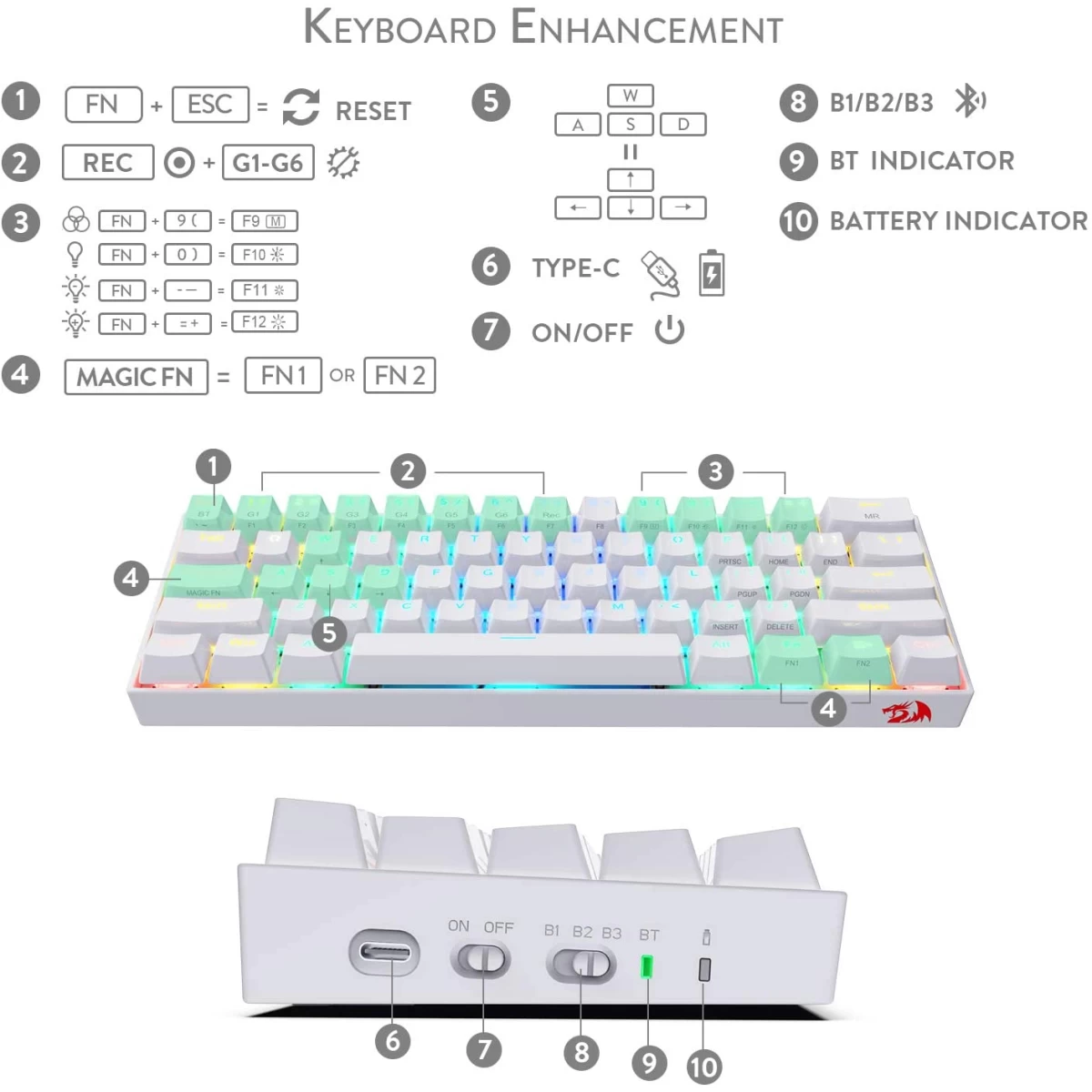
Answer: Make sure the switch of BT1 is on with red flashing light, long press FN2 + ESC until the keyboard backlight flashes one time quickly. You can then find "Dracomic-1" in your Bluetooth device list, click on it and pair.
Question: How does the MAGIC FN (CapsLK) key work?
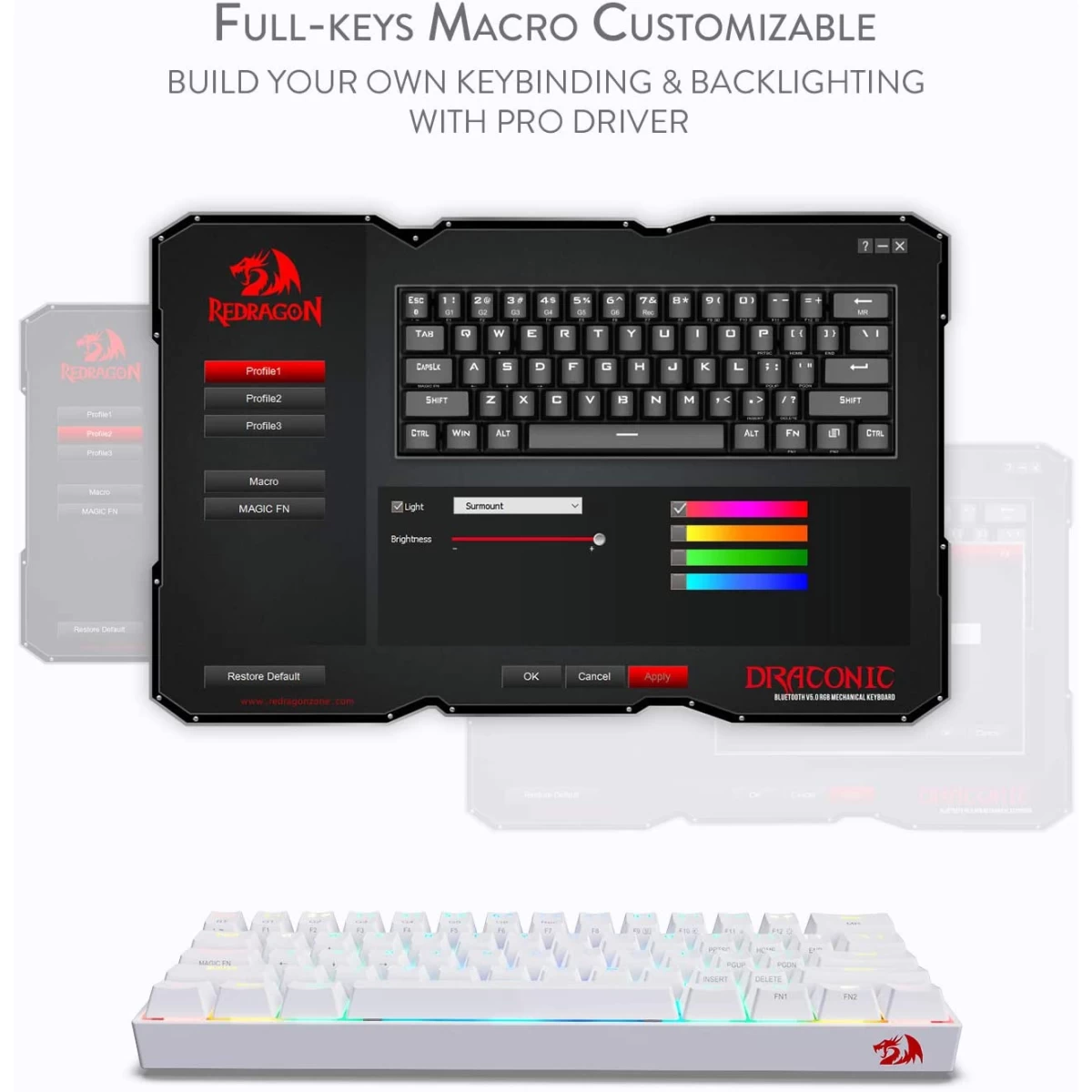
Answer: MAGIC FN key can only be used and programmed with software to FN1 or FN2. For example, set the macro FN1 on the MAGIC FN key to use the ← ↑ → ↓ keys with one hand by pressing CapsLK + WASD.
Question: How to do keybinding or macro without software?
Answer: Yes, 6 keys (G1-G6) can be macro on board (64 keys at most). For example, set 000 to G1: press FN2 + 7 (Rec) → press FN2 + G1 → press 000 → press FN2 + 7 (Rec) to store the key binding and exit macro mode.
Question: Does it support multimedia function keys like brightness and volume adjustment on Mac?
Answer: Sorry that K530 does not support Mac functional combination keys currently.
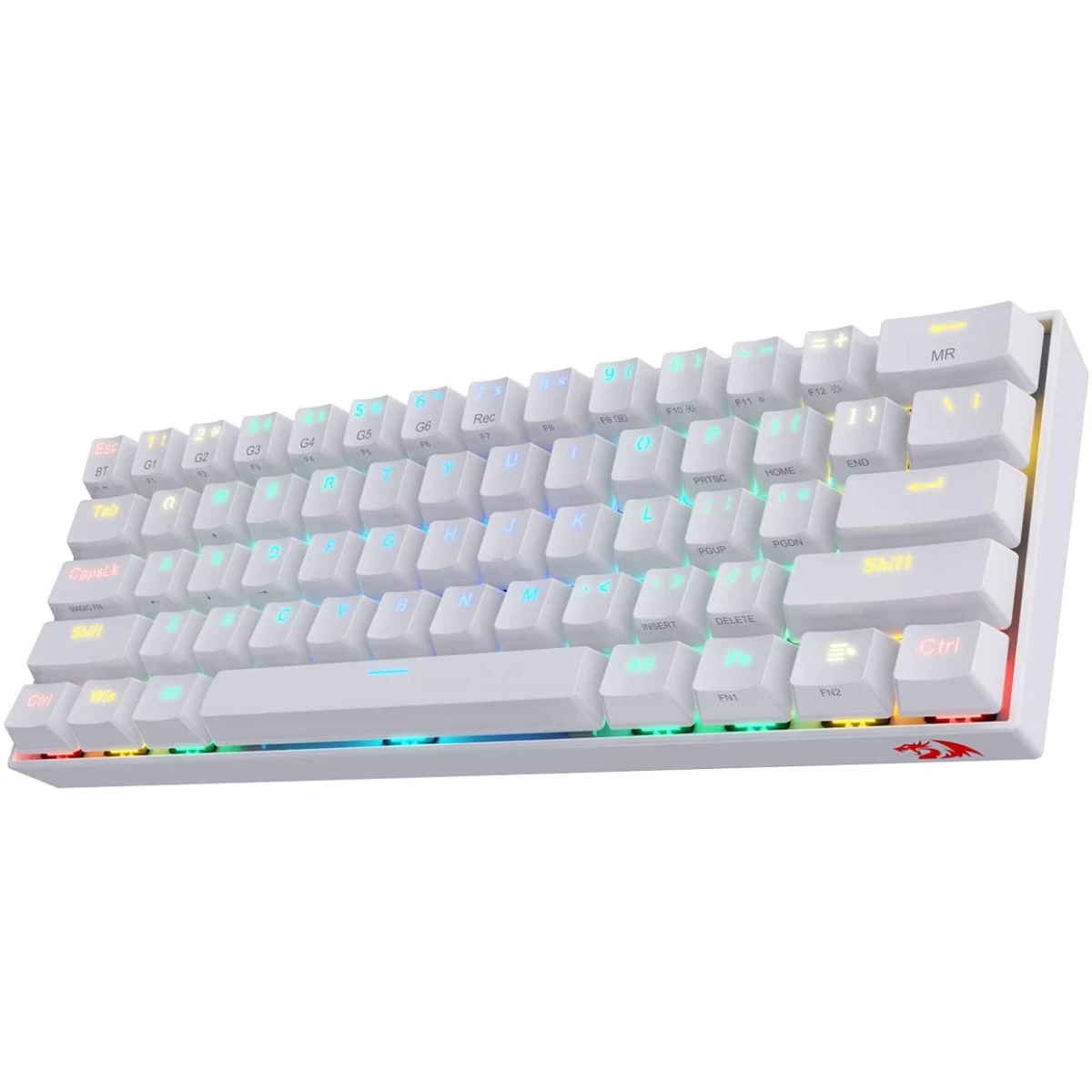
Redragon K530 Pro Draconic 60% Wireless RGB Mechanical Keyboard, BT/2.4Ghz/Wired 3-Mode 61 Keys Compact Gaming Keyboard w/Hot-Swap Socket, Free-Mod Plate Mounted PCB & Tactile Red Switch - White
SKU: K530 White
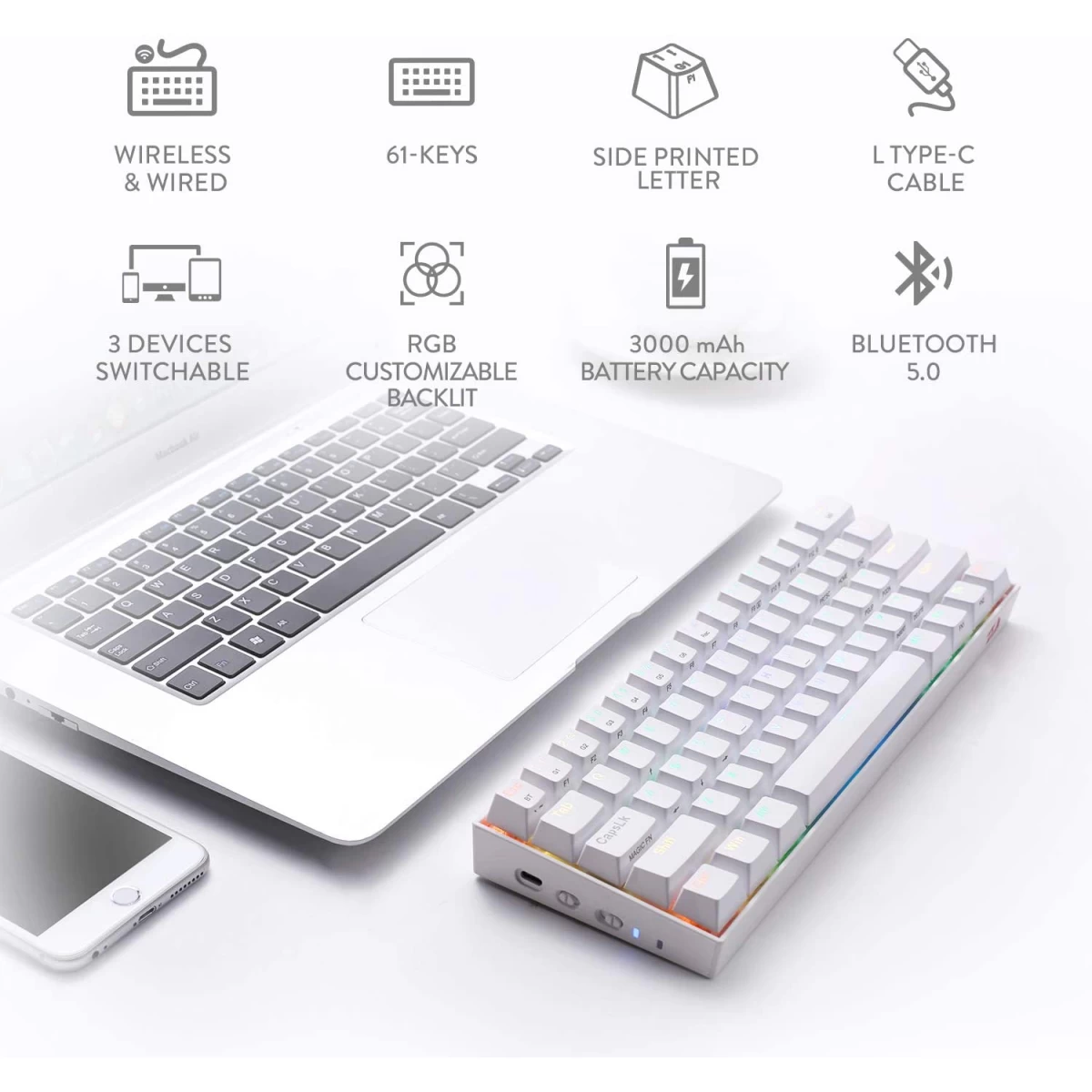
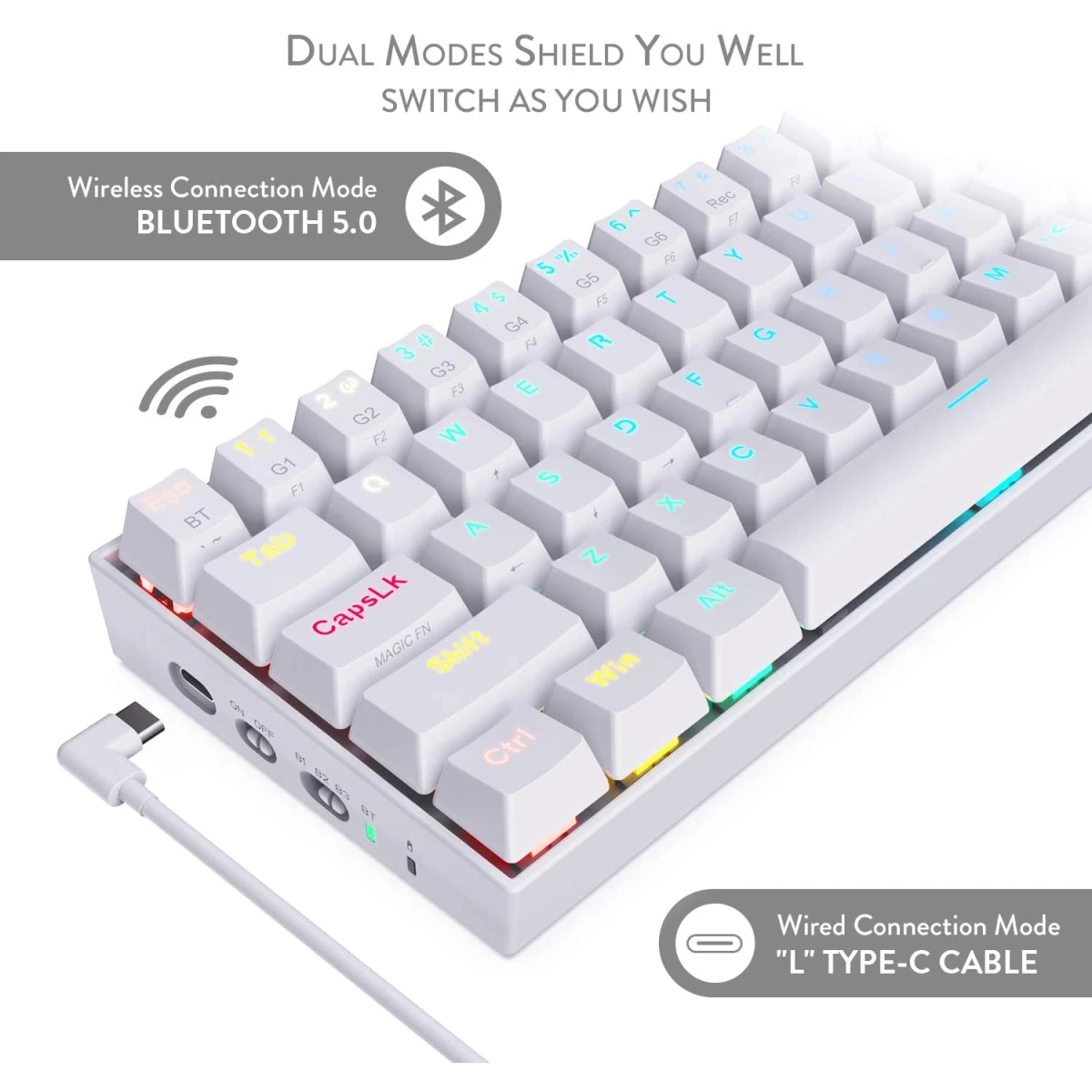
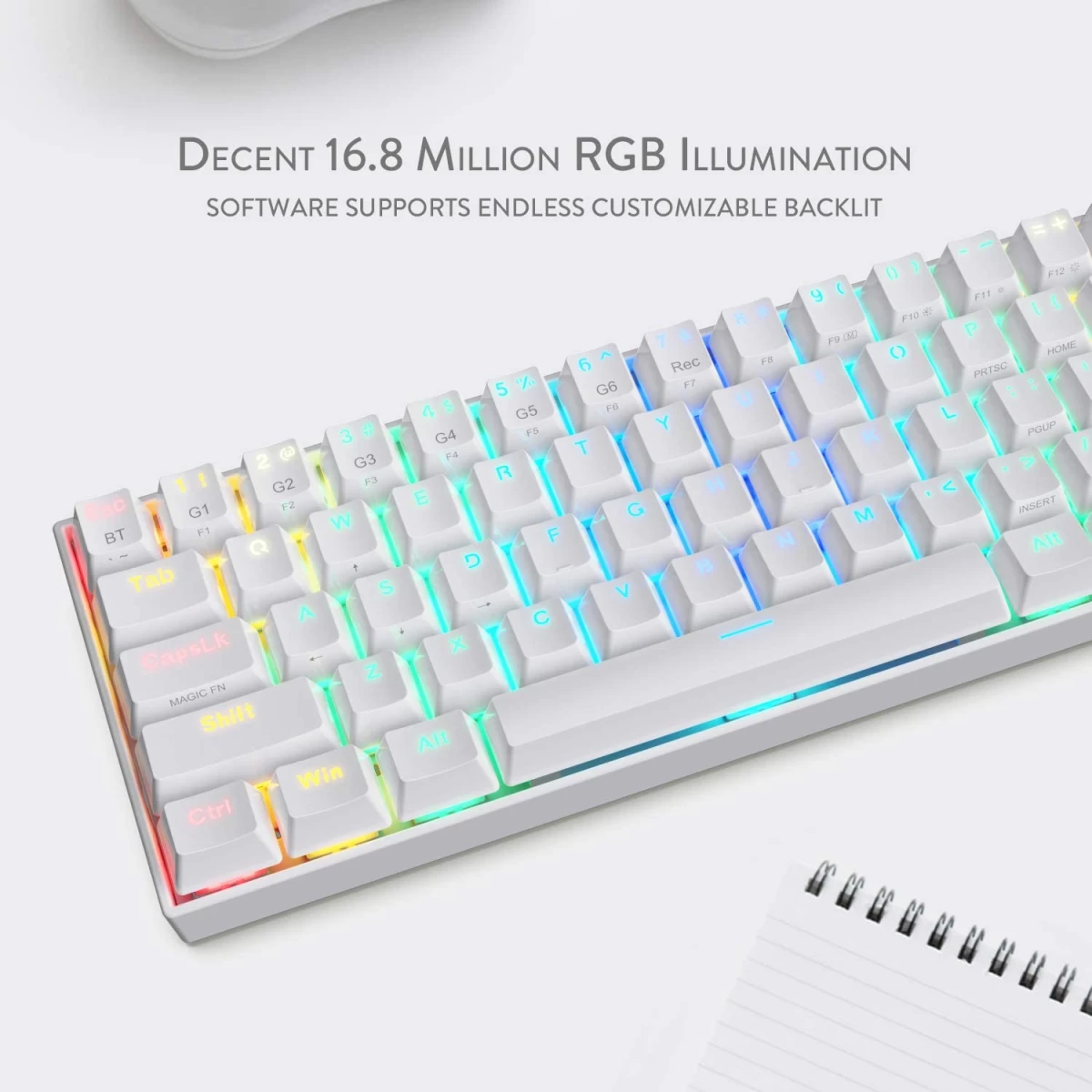
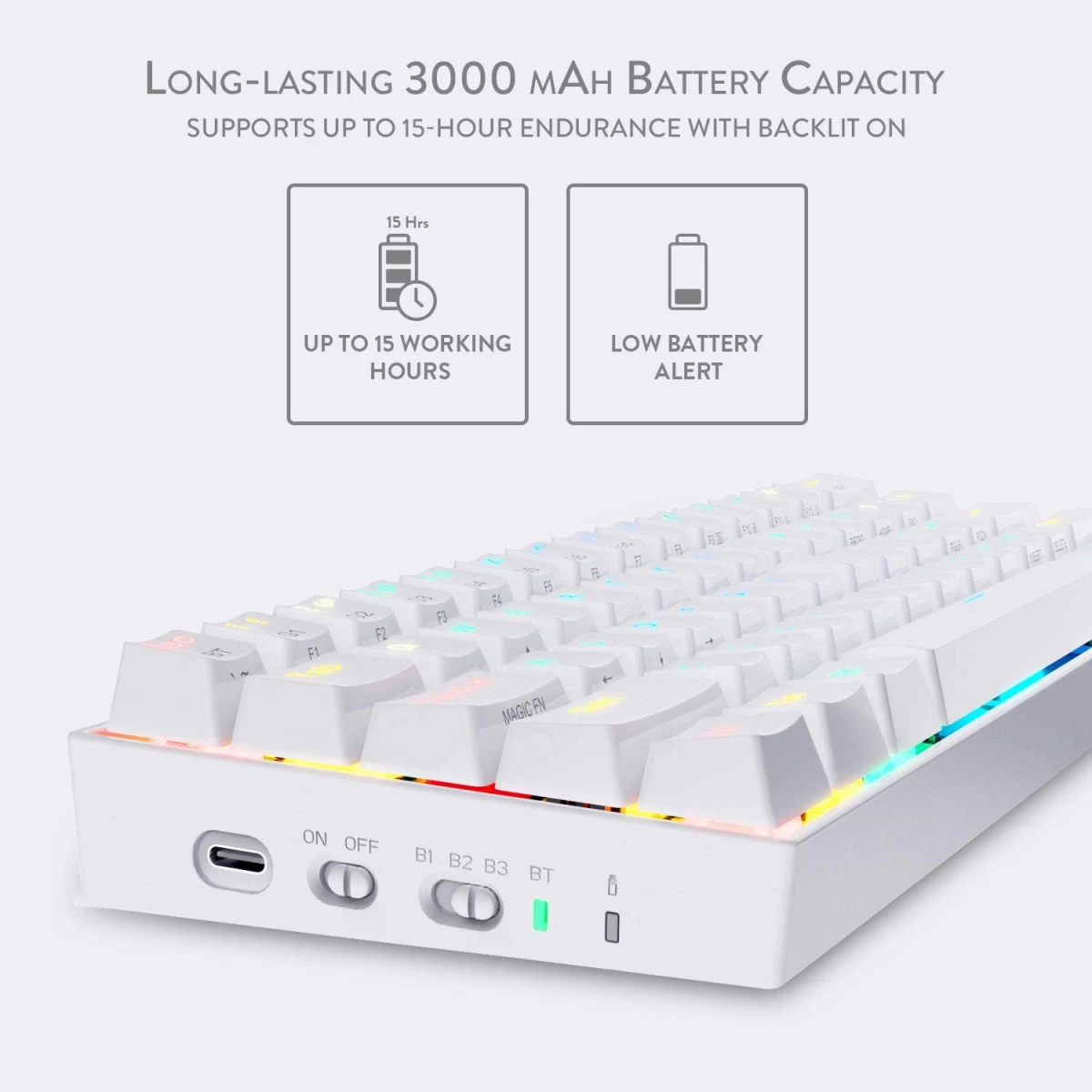
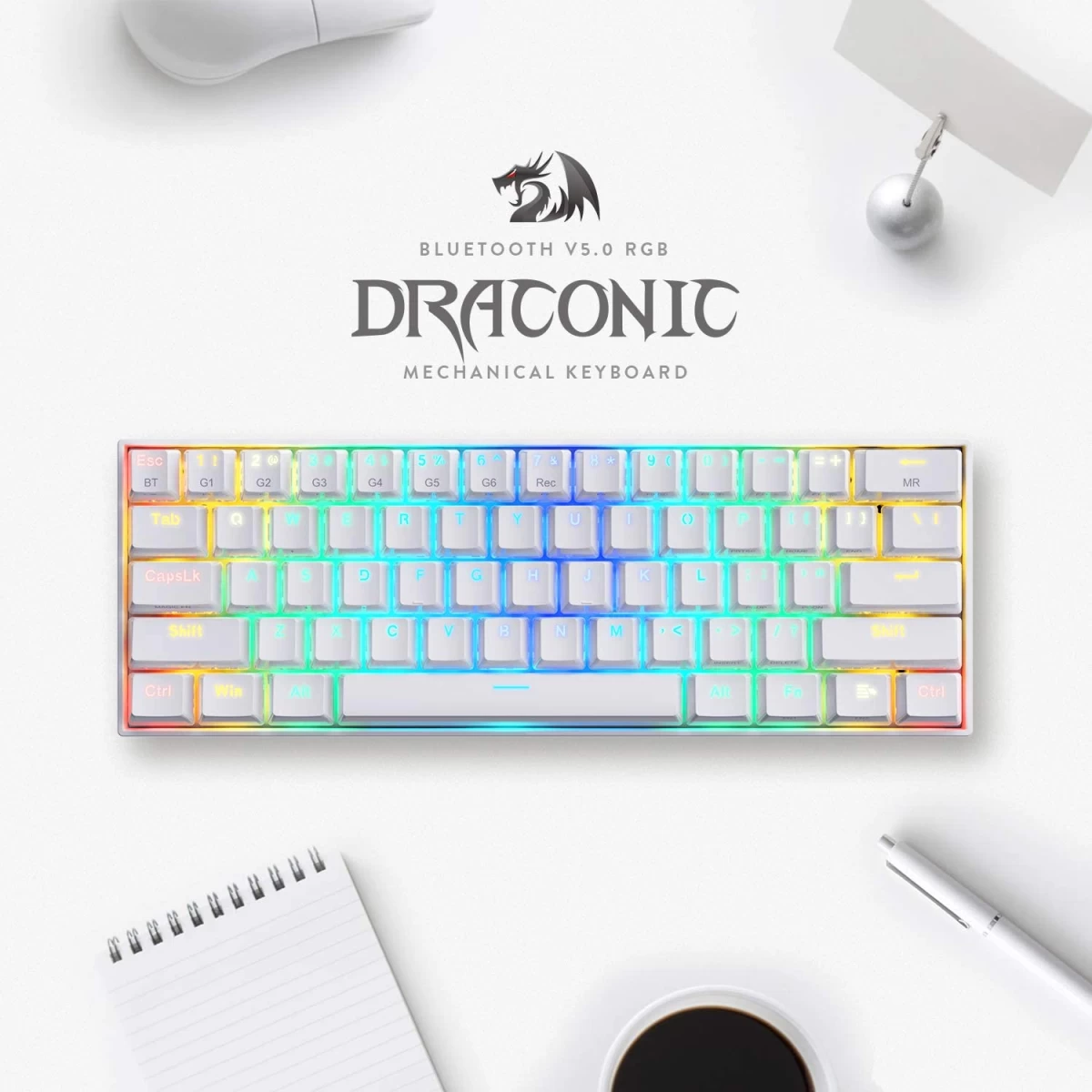
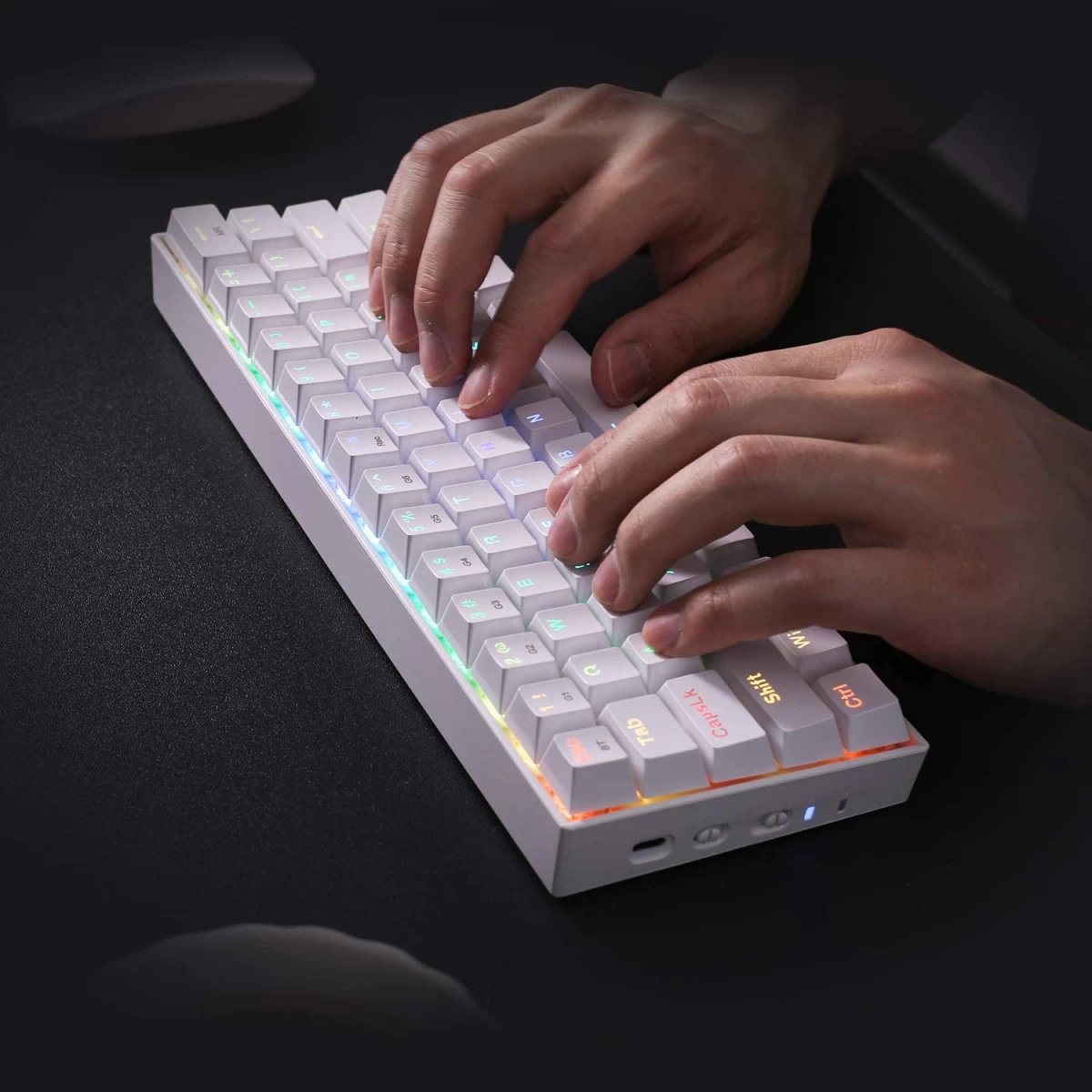
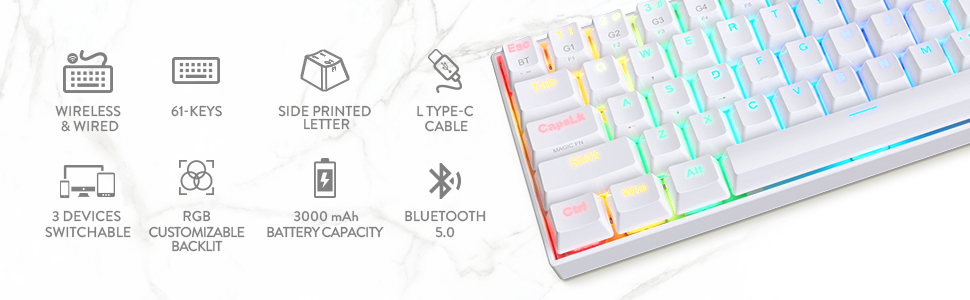
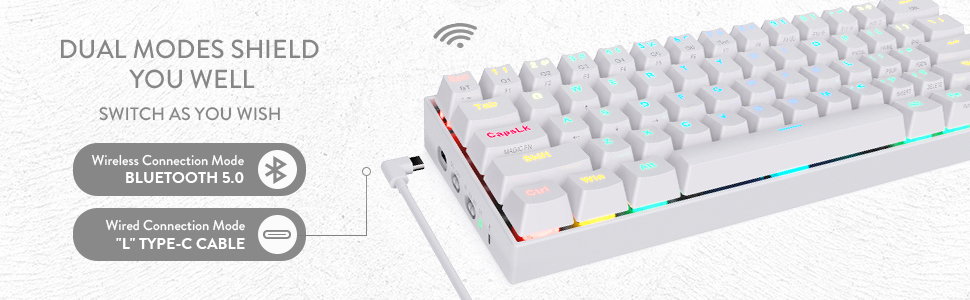
- First 60% Redragon Keyboard - Ultra Minimalist Keyless Design (TKL) with 61 keys portable freeing up table space for mouse movement, offering the purest performance for Pro FPS (11.5 x 3.9 x 1.4 inches). Easy Wireless - Enjoy wireless freedom with a Bluetooth 5.0 connection and a long-lasting 3000 mAh battery capacity. Reliable and fast, it seamlessly connects to devices like laptops, tablets, and even phones that support Bluetooth. Dual Mode Switch - Easily switch between wired and wireless modes with the mode switch on the side. The included USB-C cable gives you the option to go wired for competitive gaming. Hot Swappable Brown Switches: Tactile brown switches provide a soft but click-free hit, unlike blue switches for quiet use. Hot swappable with other Redragon switches. Made to last with switches rated for 50 million keystrokes. RGB lighting constructor - 13 dynamic presets available on board. Millions of color and effect options make you the ultimate team designer with a professional driver. Software / Driver Link (http://bit.ly/K530BTKeyboard)
Redragon K530 Pro Draconic 60% Wireless RGB Mechanical Keyboard, BT/2.4Ghz/Wired 3-Mode 61 Keys Compact Gaming Keyboard w/Hot-Swap Socket, Free-Mod Plate Mounted PCB & Tactile Red Switch - White
SKU: K530 White
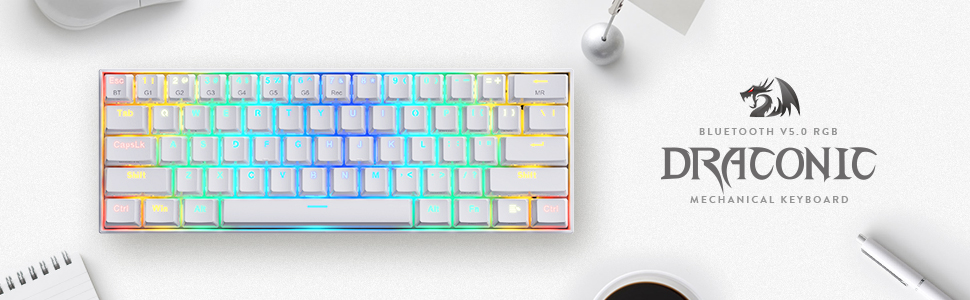
- First 60% Redragon Keyboard - Ultra Minimalist Keyless Design (TKL) with 61 keys portable freeing up table space for mouse movement, offering the purest performance for Pro FPS (11.5 x 3.9 x 1.4 inches). Easy Wireless - Enjoy wireless freedom with a Bluetooth 5.0 connection and a long-lasting 3000 mAh battery capacity. Reliable and fast, it seamlessly connects to devices like laptops, tablets, and even phones that support Bluetooth. Dual Mode Switch - Easily switch between wired and wireless modes with the mode switch on the side. The included USB-C cable gives you the option to go wired for competitive gaming. Hot Swappable Brown Switches: Tactile brown switches provide a soft but click-free hit, unlike blue switches for quiet use. Hot swappable with other Redragon switches. Made to last with switches rated for 50 million keystrokes. RGB lighting constructor - 13 dynamic presets available on board. Millions of color and effect options make you the ultimate team designer with a professional driver. Software / Driver Link (http://bit.ly/K530BTKeyboard)
Do you need more help?
Question: Can't connect K530 to device (BT4.0 and above) in BT1 mode.
Answer: Make sure the switch of BT1 is on with red flashing light, long press FN2 + ESC until the keyboard backlight flashes one time quickly. You can then find "Dracomic-1" in your Bluetooth device list, click on it and pair.
Question: How does the MAGIC FN (CapsLK) key work?
Answer: MAGIC FN key can only be used and programmed with software to FN1 or FN2. For example, set the macro FN1 on the MAGIC FN key to use the ← ↑ → ↓ keys with one hand by pressing CapsLK + WASD.
Question: How to do keybinding or macro without software?
Answer: Yes, 6 keys (G1-G6) can be macro on board (64 keys at most). For example, set 000 to G1: press FN2 + 7 (Rec) → press FN2 + G1 → press 000 → press FN2 + 7 (Rec) to store the key binding and exit macro mode.
Question: Does it support multimedia function keys like brightness and volume adjustment on Mac?
Answer: Sorry that K530 does not support Mac functional combination keys currently.
Discover Similar Items

















Recently Viewed

Shopping cart
Your cart is curently empty
Let up help you find the perfect item
Show All Shop
Compare
Products
Your compare is curently empty