OUT OF STOCK

Gaming Keyboards

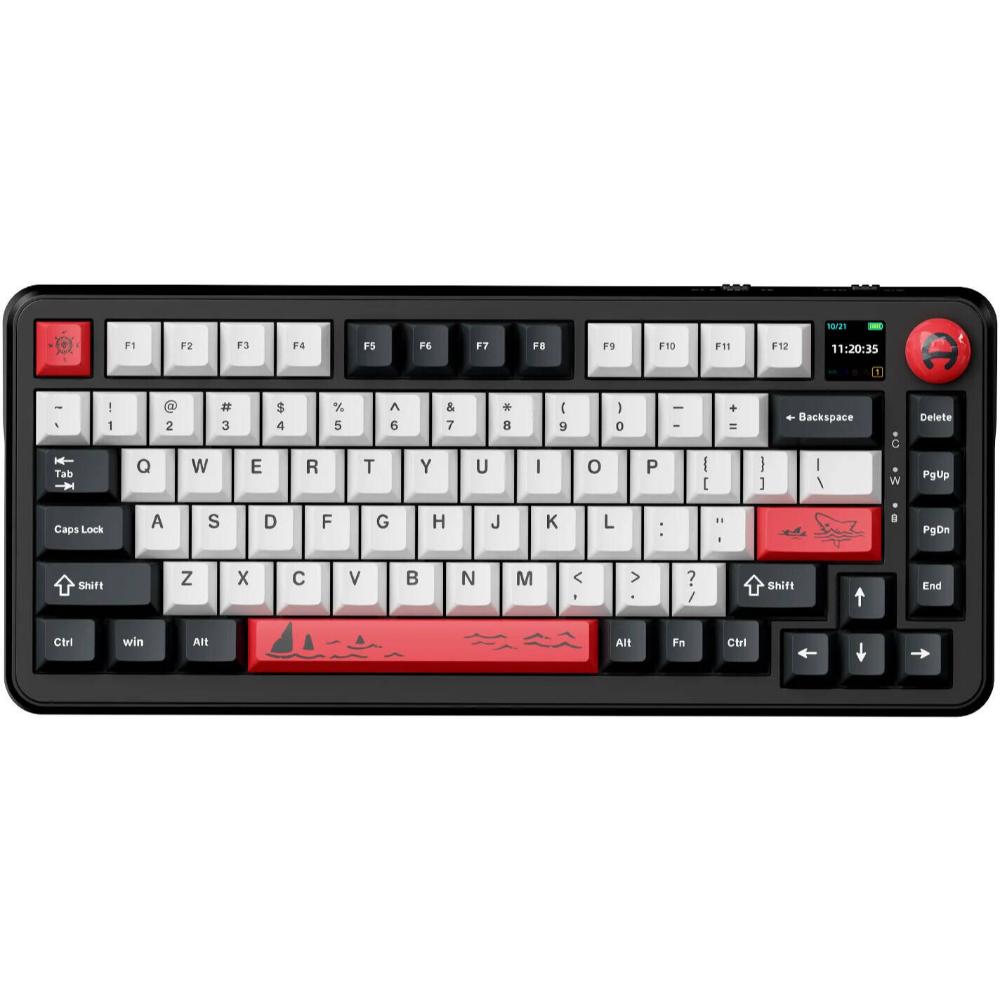
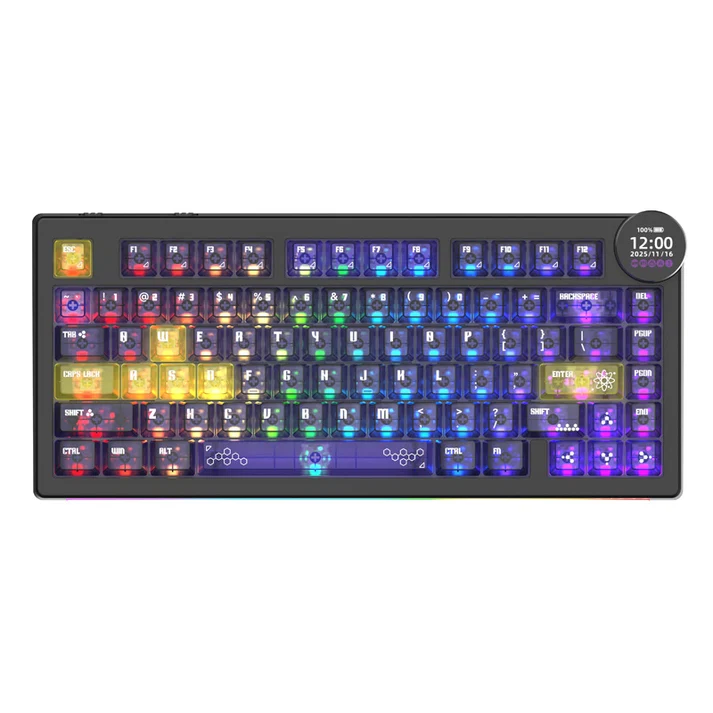
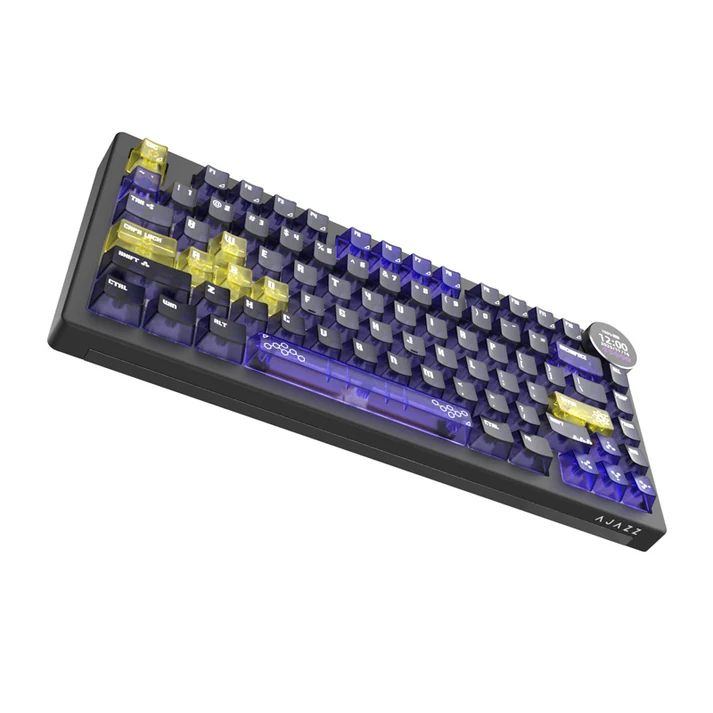
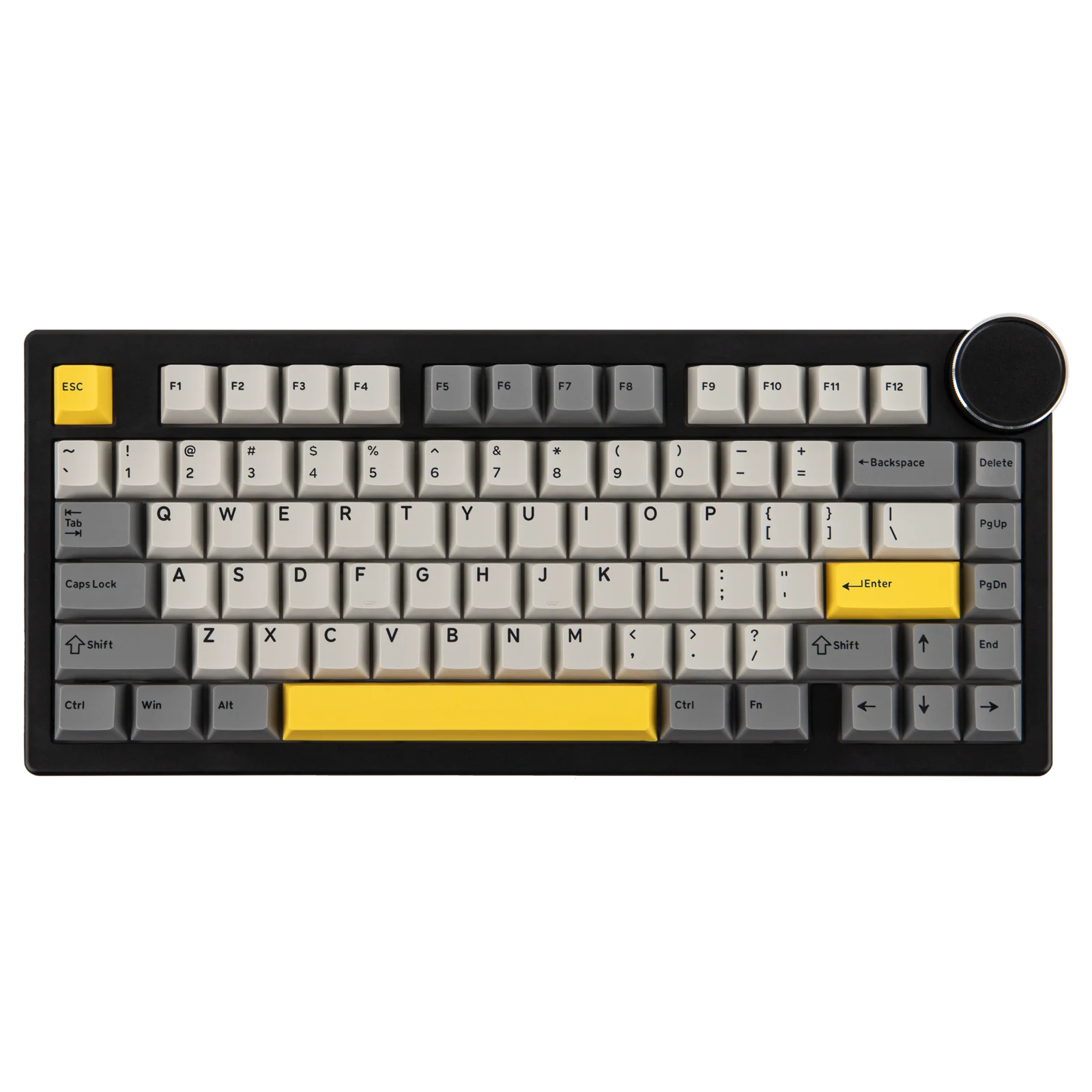
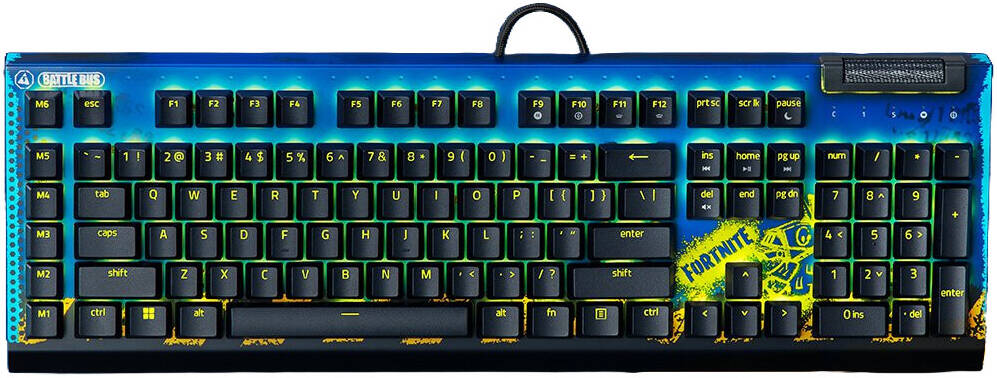
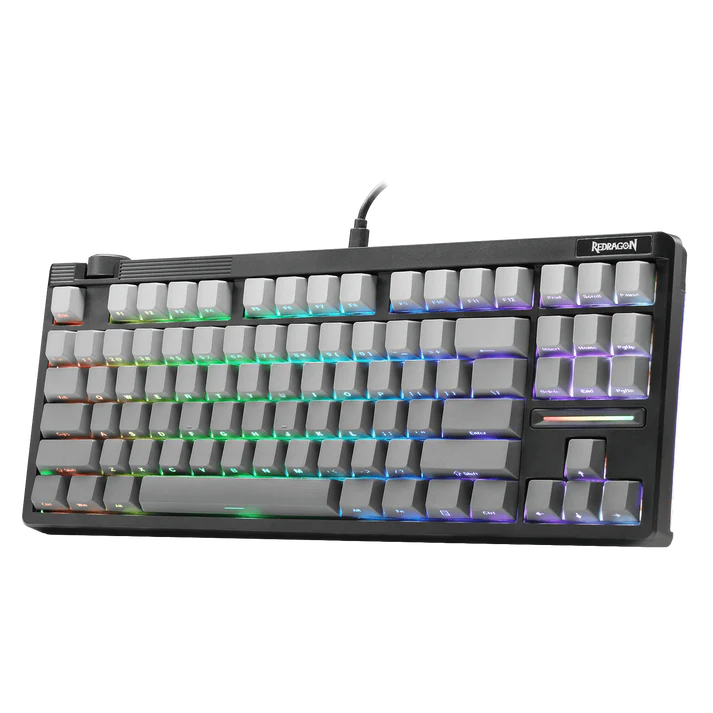
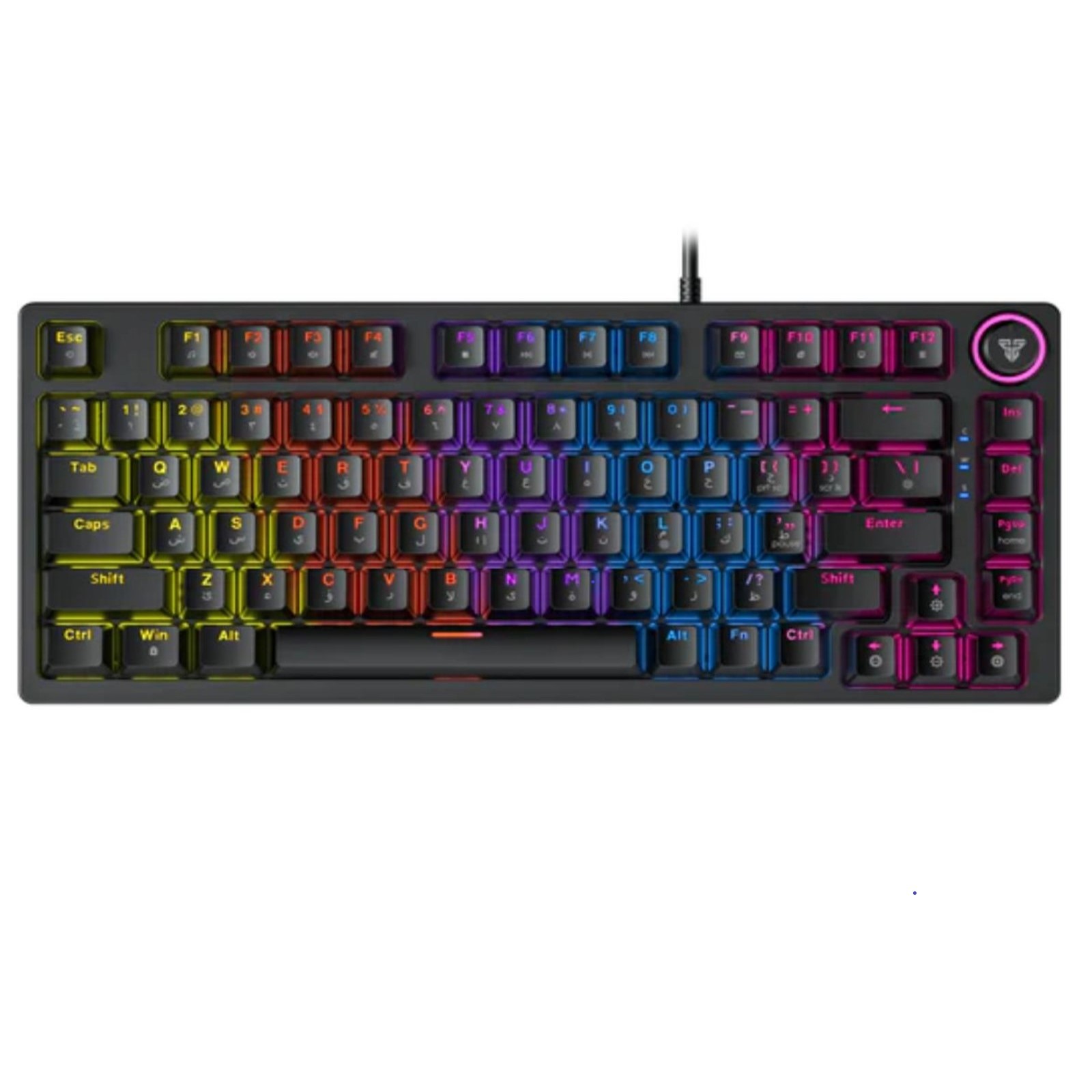
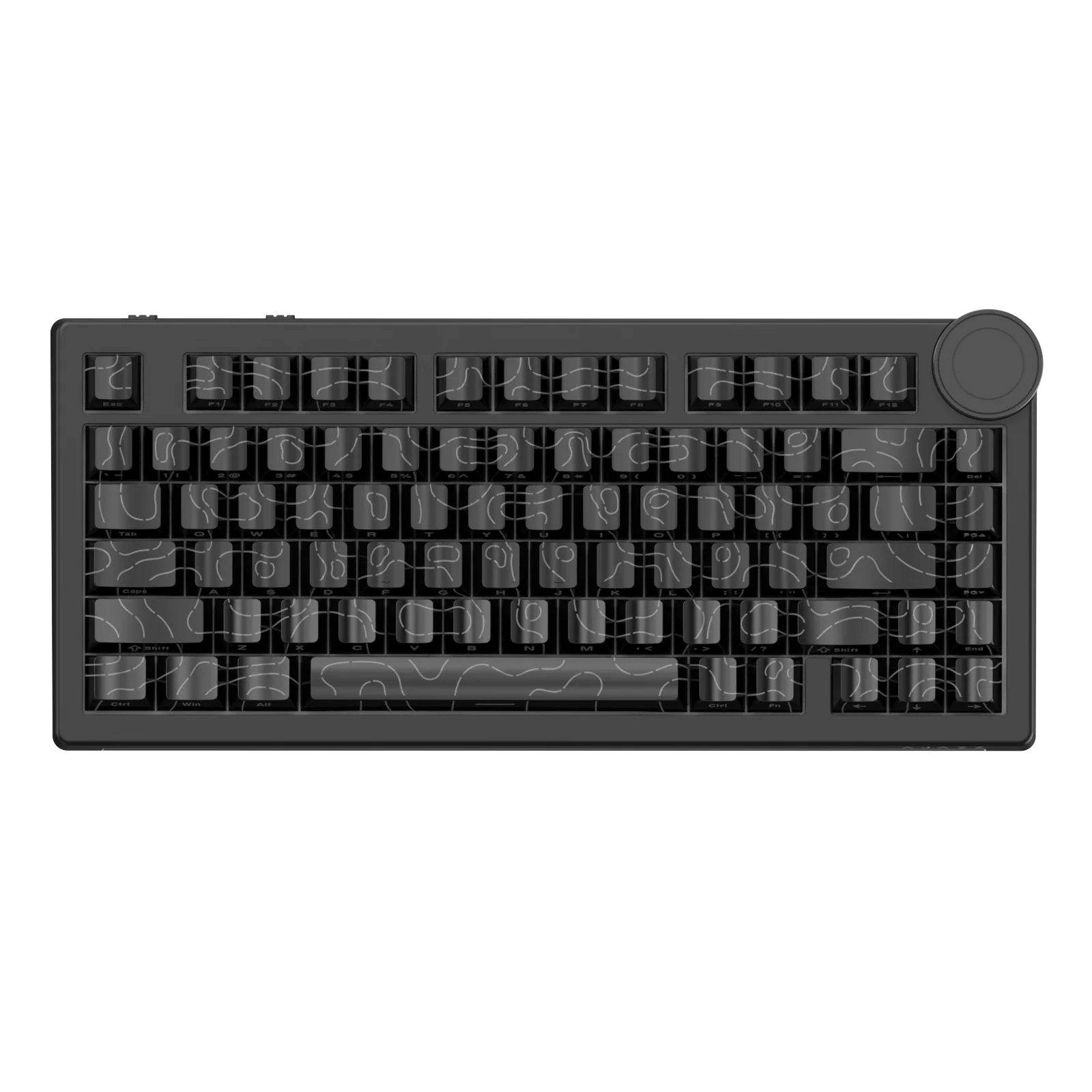
Fantech MK875V2 ATOM81 HERO Mechanical Gaming Keyboard Red Switch Soft Linear Keys For Pc & Ps4 & Ps5 Black

19.00 JOD

SKU: MK8875V2-BK

Gaming Keyboards

Fantech MK875V2 ATOM81 HERO Mechanical Gaming Keyboard Red Switch Soft Linear Keys For Pc & Ps4 & Ps5 Black
19.00 JOD

SKU: MK8875V2-BK

19.00 JOD
Quantity
Add to CartBuy NowOrder via WhatsApp

SPECIFICATIONS

  • Model Number: MK875V2
  • Connectivity: Wired
  • Number of Keys: 81
  • Switch Type: Mechanical
  • Keycap Type: Double-Shot ABS
  • Anti-Ghosting: 26-Key
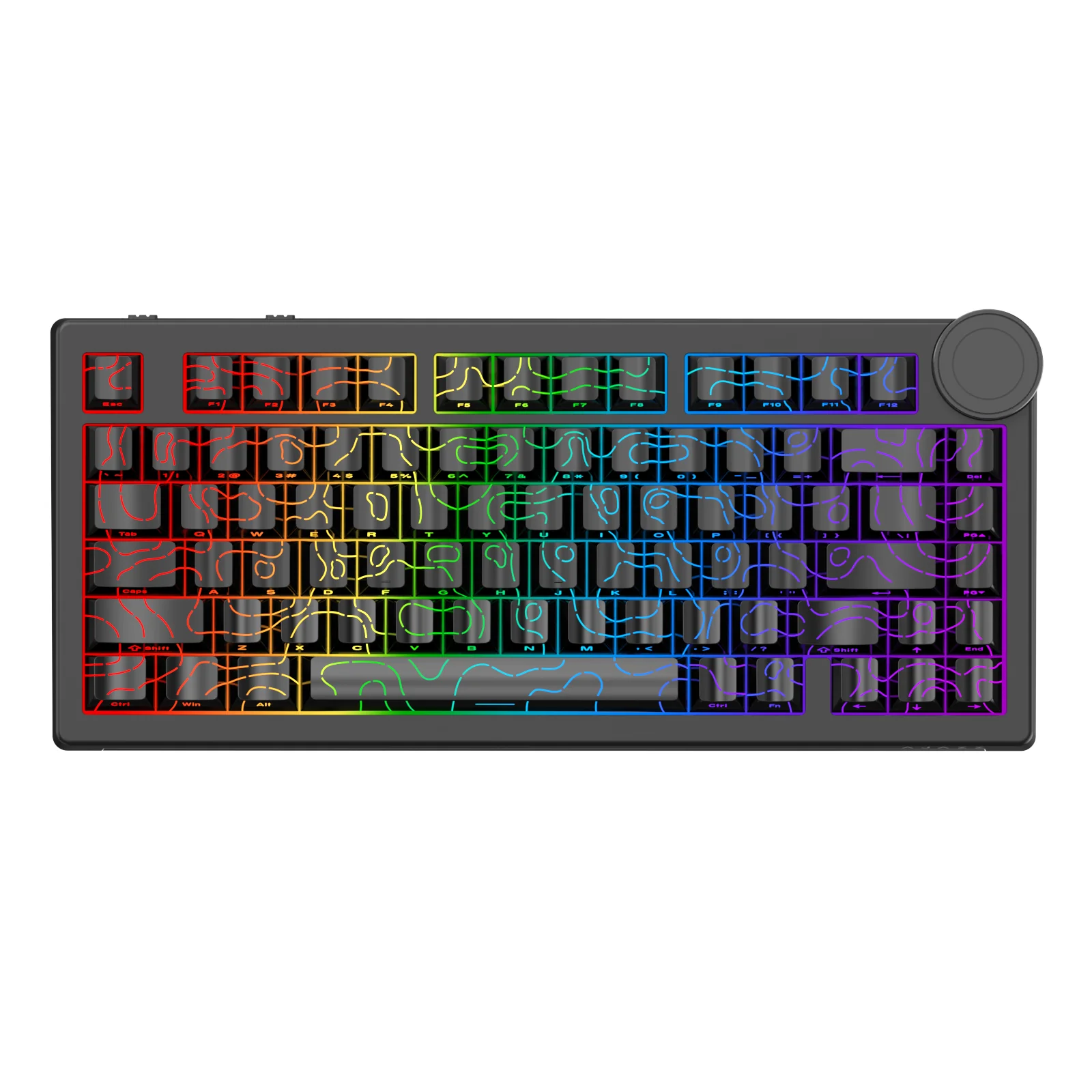
  • Lighting Effects: RGB 17 Modes
  • Cable Length: 1.5 m PVC Cable
  • Size: 327*135*35 mm
  • Weight: 608 5 g
  • Power Rating: 5V === 150 mA
  • Compatibility: Windows® 7 or later, Mac®05 10.11 or later & PS4/PS5Advertisements

BOX CONTENT

Fantech-MK875V2-ATOM81-HERO-Mechanical-Keyboard-fig-2


Fantech-MK875V2-ATOM81-HERO-Mechanical-Keyboard-fig-3
  • A LED Indicator
  • B Adjustable Stand
  • C Rotary Encoder
  • FUNCTION AND MULTIMEDIA KEYS

Fantech-MK875V2-ATOM81-HERO-Mechanical-Keyboard-fig-4

ADDITIONAL KEY COMBINATIONS

Fantech-MK875V2-ATOM81-HERO-Mechanical-Keyboard-fig-5

LED INDICATOR

Fantech-MK875V2-ATOM81-HERO-Mechanical-Keyboard-fig-6

DOWNLOAD

To further customize your setting, please visit our website and download the software (if applicable). www.fantechworld.com

Fantech-MK875V2-ATOM81-HERO-Mechanical-Keyboard-fig-7

HOW TO USE

WIRED CONNECTION

Fantech-MK875V2-ATOM81-HERO-Mechanical-Keyboard-fig-7

LED EFFECTS

Fantech-MK875V2-ATOM81-HERO-Mechanical-Keyboard-fig-9

ROTARY ENCODER

Fantech-MK875V2-ATOM81-HERO-Mechanical-Keyboard-fig-10

LIGHTING MODE:
  1. Press and hold for 3 seconds until the four indicator lights flash to switch to lighting effect mode.Advertisements Ezoic
  2. Rotate clockwise to increase brightness and counterclockwise to decrease brightness.
  3. Press the Rotary Encoder to switch lighting modes.
VOLUME CONTROL:
  1. Press and hold for 3 seconds until the four indicator lights flash to switch to volume control mode.
  2. Rotate clockwise to increase the volume and counterclockwise to decrease the volume.
  3. Press the Rotary Encoder to mute.
 

SPECIFICATIONS

  • Model Number: MK875V2
  • Connectivity: Wired
  • Number of Keys: 81
  • Switch Type: Mechanical
  • Keycap Type: Double-Shot ABS
  • Anti-Ghosting: 26-Key
  • Lighting Effects: RGB 17 Modes
  • Cable Length: 1.5 m PVC Cable
  • Size: 327*135*35 mm
  • Weight: 608 5 g
  • Power Rating: 5V === 150 mA
  • Compatibility: Windows® 7 or later, Mac®05 10.11 or later & PS4/PS5Advertisements

BOX CONTENT

Fantech-MK875V2-ATOM81-HERO-Mechanical-Keyboard-fig-2


Fantech-MK875V2-ATOM81-HERO-Mechanical-Keyboard-fig-3
  • A LED Indicator
  • B Adjustable Stand
  • C Rotary Encoder
  • FUNCTION AND MULTIMEDIA KEYS

Fantech-MK875V2-ATOM81-HERO-Mechanical-Keyboard-fig-4

ADDITIONAL KEY COMBINATIONS

Fantech-MK875V2-ATOM81-HERO-Mechanical-Keyboard-fig-5

LED INDICATOR

Fantech-MK875V2-ATOM81-HERO-Mechanical-Keyboard-fig-6

DOWNLOAD

To further customize your setting, please visit our website and download the software (if applicable). www.fantechworld.com

Fantech-MK875V2-ATOM81-HERO-Mechanical-Keyboard-fig-7

HOW TO USE

WIRED CONNECTION

Fantech-MK875V2-ATOM81-HERO-Mechanical-Keyboard-fig-7

LED EFFECTS

Fantech-MK875V2-ATOM81-HERO-Mechanical-Keyboard-fig-9

ROTARY ENCODER

Fantech-MK875V2-ATOM81-HERO-Mechanical-Keyboard-fig-10

LIGHTING MODE:
  1. Press and hold for 3 seconds until the four indicator lights flash to switch to lighting effect mode.Advertisements Ezoic
  2. Rotate clockwise to increase brightness and counterclockwise to decrease brightness.
  3. Press the Rotary Encoder to switch lighting modes.
VOLUME CONTROL:
  1. Press and hold for 3 seconds until the four indicator lights flash to switch to volume control mode.
  2. Rotate clockwise to increase the volume and counterclockwise to decrease the volume.
  3. Press the Rotary Encoder to mute.
 
HPDellMSIAsusLenovoMicrosoftAnkerLogitechSteelSeriesRazerCorsairKingstonSamsungAOCVentionAcerAsusDellHPLenovoMSIRazerSteelSeriesLogitech
Recently Viewed
Compare
Products
Your compare is curently empty
Compare Products
Chat with us on WhatsApp