OUT OF STOCK
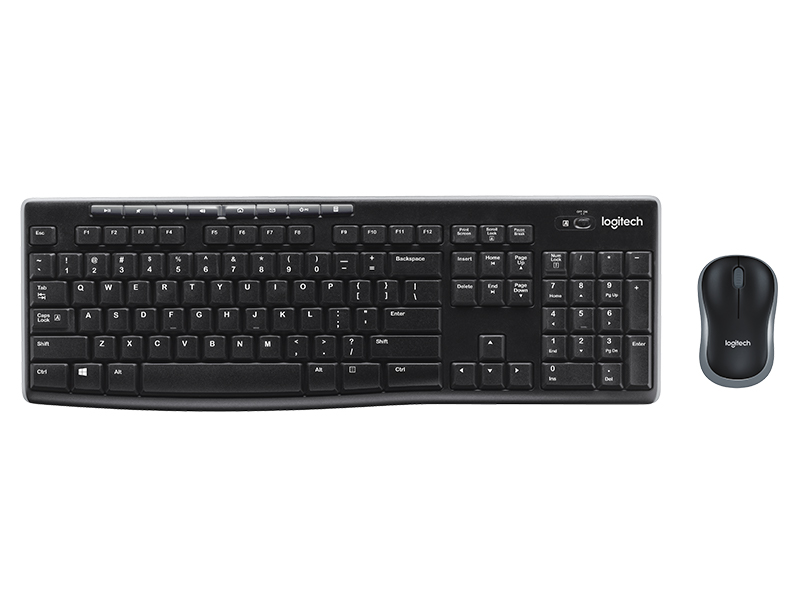
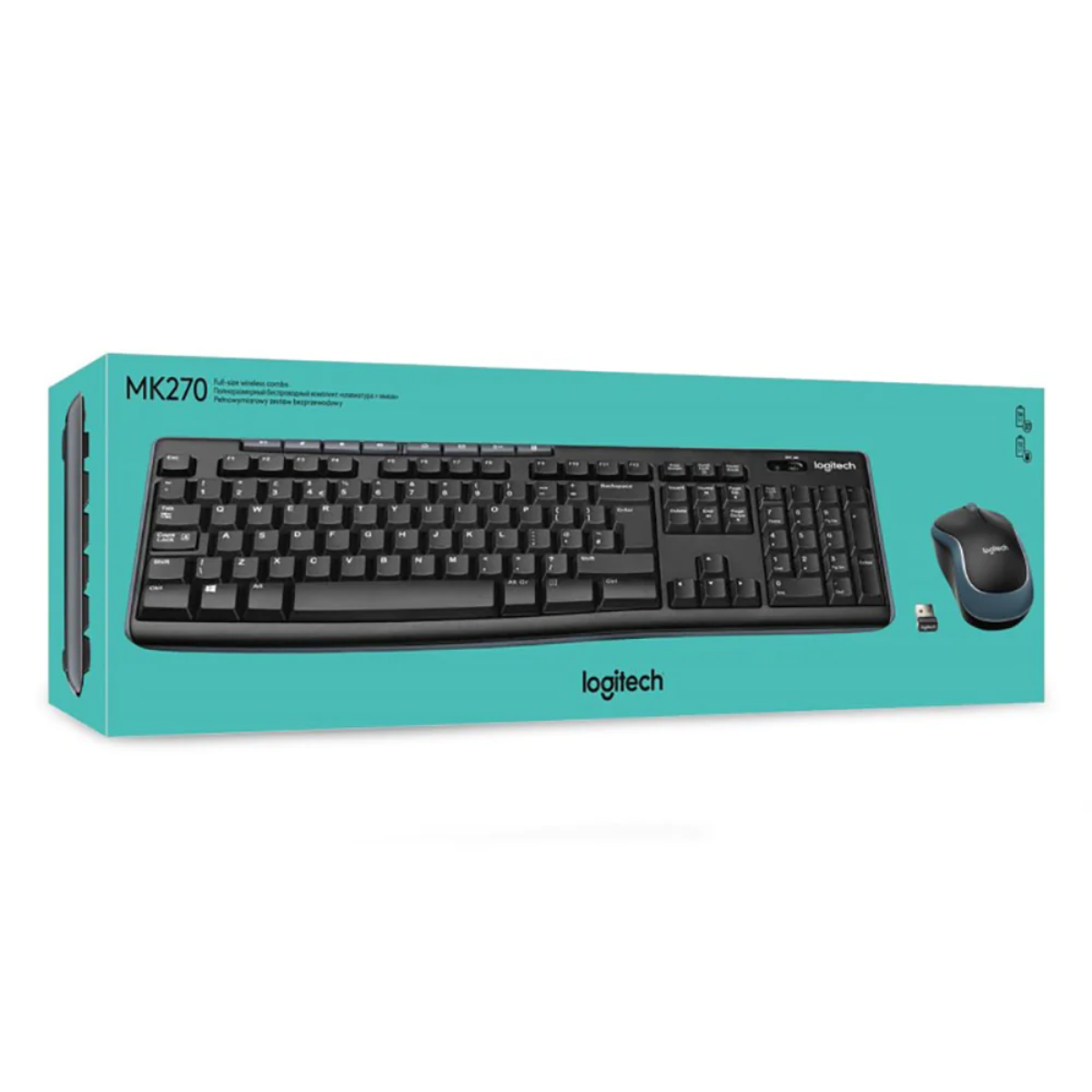
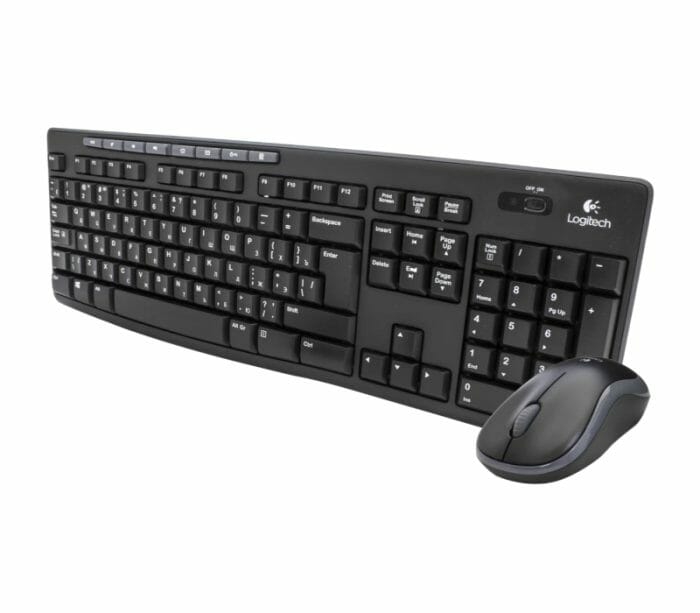
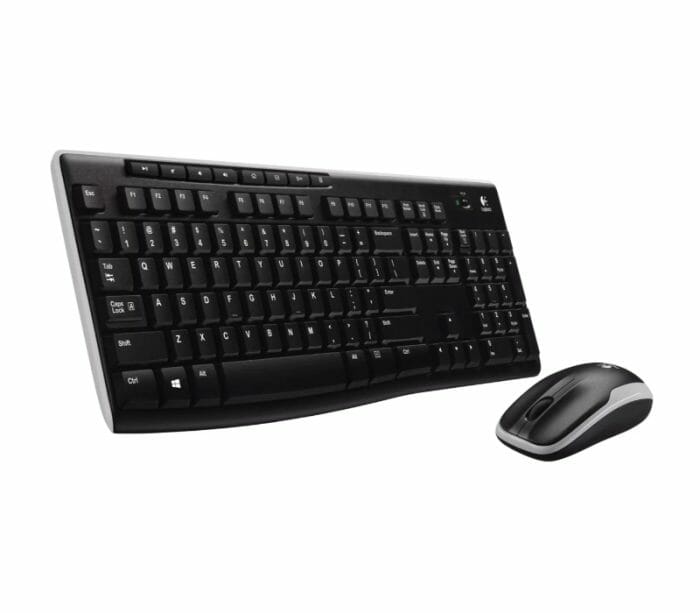
Logitech MK270 Wireless Keyboard and Mouse Combo (Black)

Business Keyboard

Logitech MK270 Wireless Keyboard and Mouse Combo (Black)

20.00 JOD

SKU: MK270

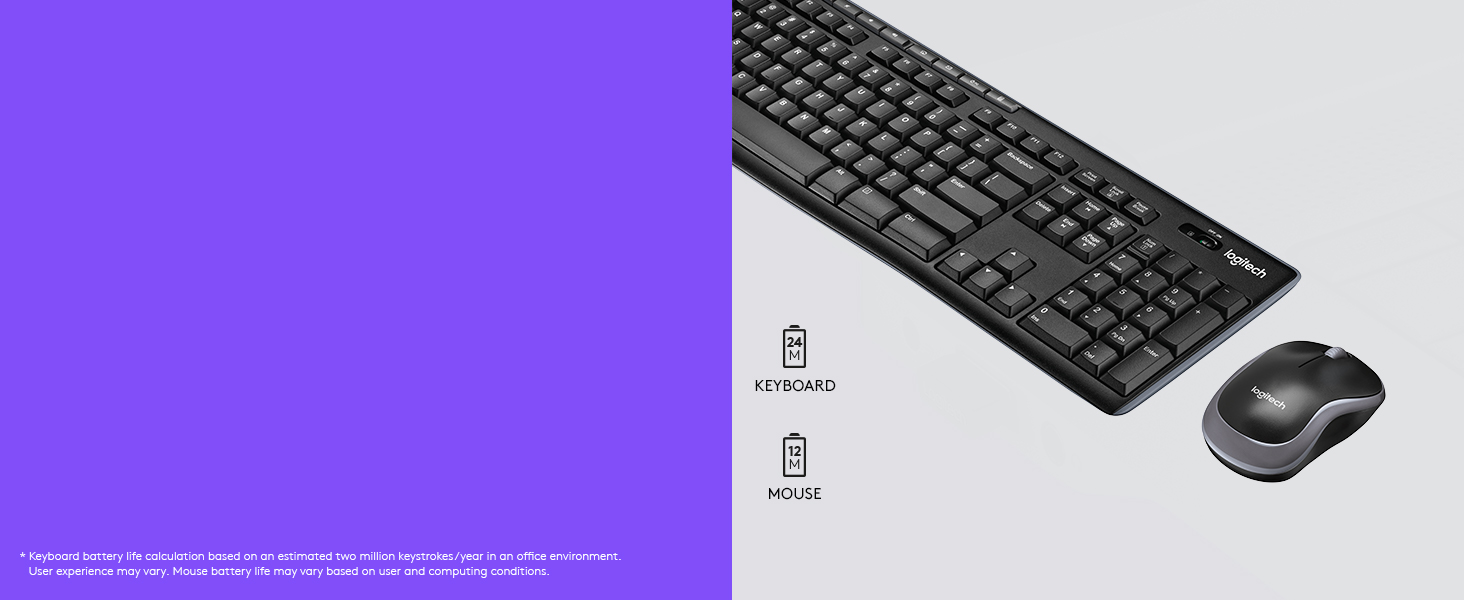
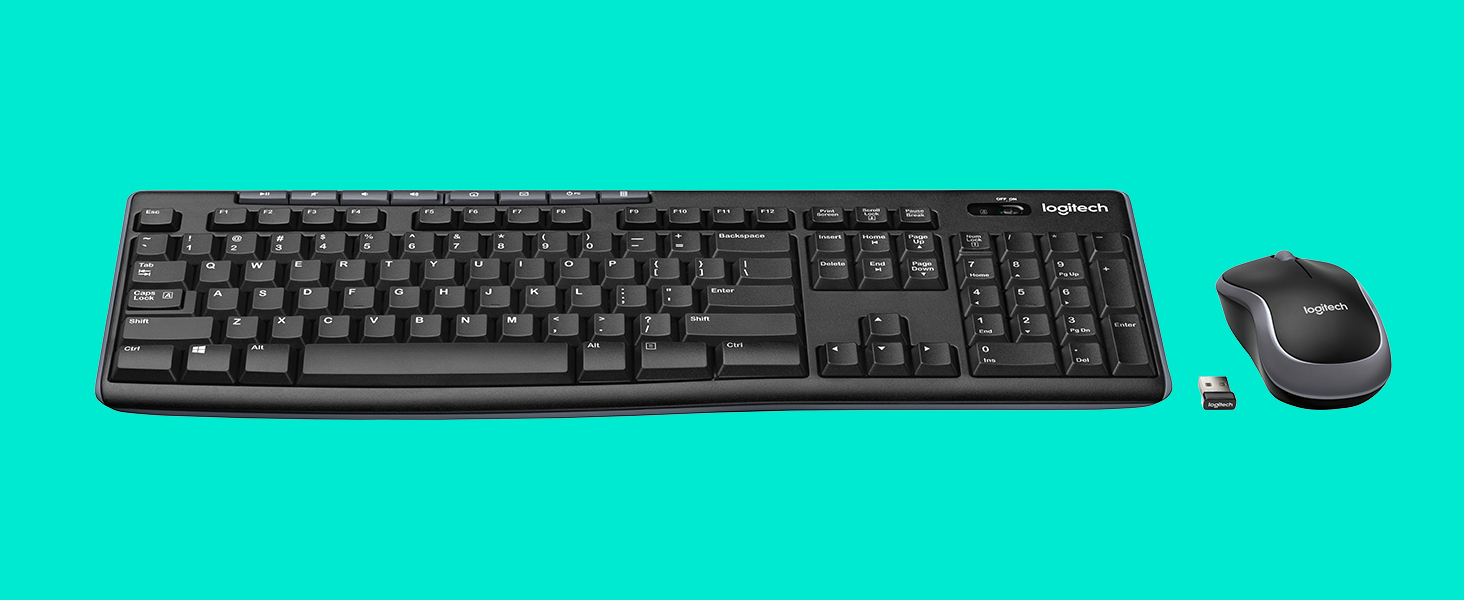
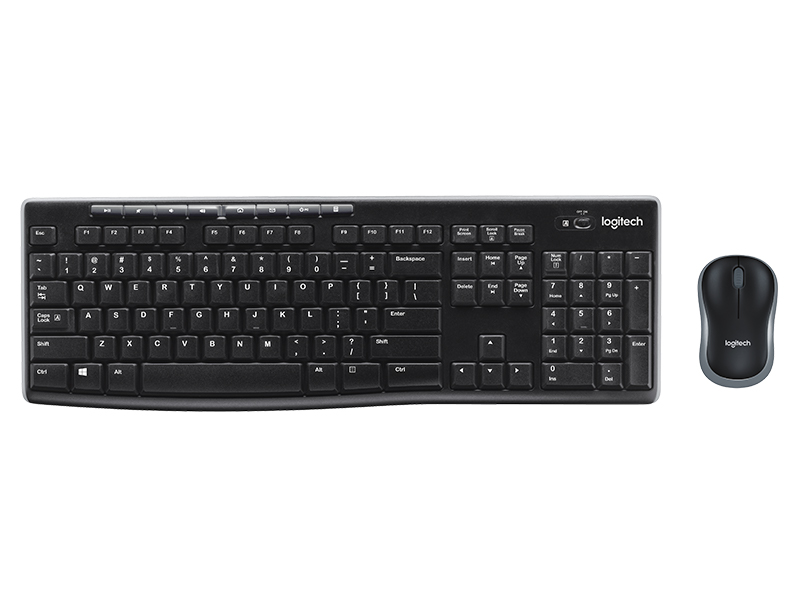
  • KEYBOARD AND MOUSE COMBO The Logitech MK270 Wireless Keyboard and Mouse Combo includes a full size keyboard and a precision mouse so you can work comfortably away from your computer , The MK270 includes a plug and forget receiver that cleverly stores inside your mouse for safekeeping. System requirements: Windows vista, Windows XP, Windows 7, Windows 8, Windows 10 , MK270 includes a Logitech Nano receiver.

Business Keyboard

Logitech MK270 Wireless Keyboard and Mouse Combo (Black)

20.00 JOD

SKU: MK270

  • KEYBOARD AND MOUSE COMBO The Logitech MK270 Wireless Keyboard and Mouse Combo includes a full size keyboard and a precision mouse so you can work comfortably away from your computer , The MK270 includes a plug and forget receiver that cleverly stores inside your mouse for safekeeping. System requirements: Windows vista, Windows XP, Windows 7, Windows 8, Windows 10 , MK270 includes a Logitech Nano receiver.
20.00 JOD
Quantity
Add to CartBuy Now
You can instantly use the keyboard without installing additional software. The 2.4GHz signal ensures a strong connection, so you'll never suffer dropouts , PROGRAMMABLE HOTKEYS TO BOOST PRODUCTIVITY Automatically access frequently used applications by programming them to the 8 available hotkeys , NOTE:USB Nano is stored in the flap of the box. Kindly refer to User Manual before use. The USB toggle is located in the storage compartment of the mouse.
HPDellMSIAsusLenovoMicrosoftAnkerLogitechSteelSeriesRazerCorsairKingstonSamsungAOCVentionAcerAsusDellHPLenovoMSIRazerSteelSeriesLogitech
Compare
Products
Your compare is curently empty
Compare Products
Eagle Computer
Chat with us on WhatsApp